You disconnect the 12V battery, or it dies, or a shop swaps it while you wait. Twenty minutes later the car starts fine, but the driver's window won't stop when you release the switch, or it drops halfway and reverses for no reason. That's not a fault. The window motor lost its reference point for where "fully closed" actually is, and it needs to relearn it.
By the end of this guide you'll be able to re-teach every electric window on your car its end stops, understand why the car forgot them, and know when the behaviour is a symptom of something worse. Plan on 15-25 minutes for a four-door car. Some cars take longer if they use a slow learn routine.
What you need before you start
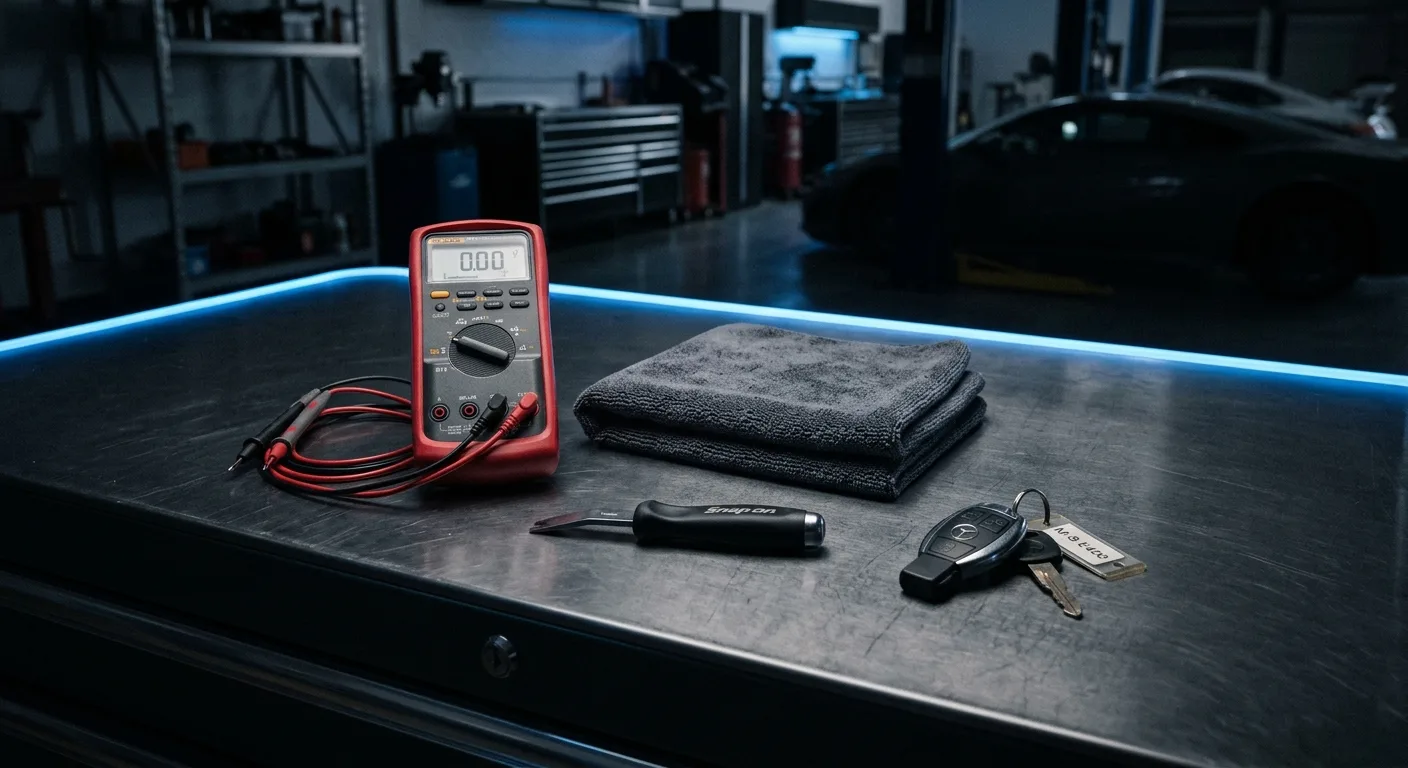
- The car's key or fob, plus any spare fob you use regularly (some cars relearn per key)
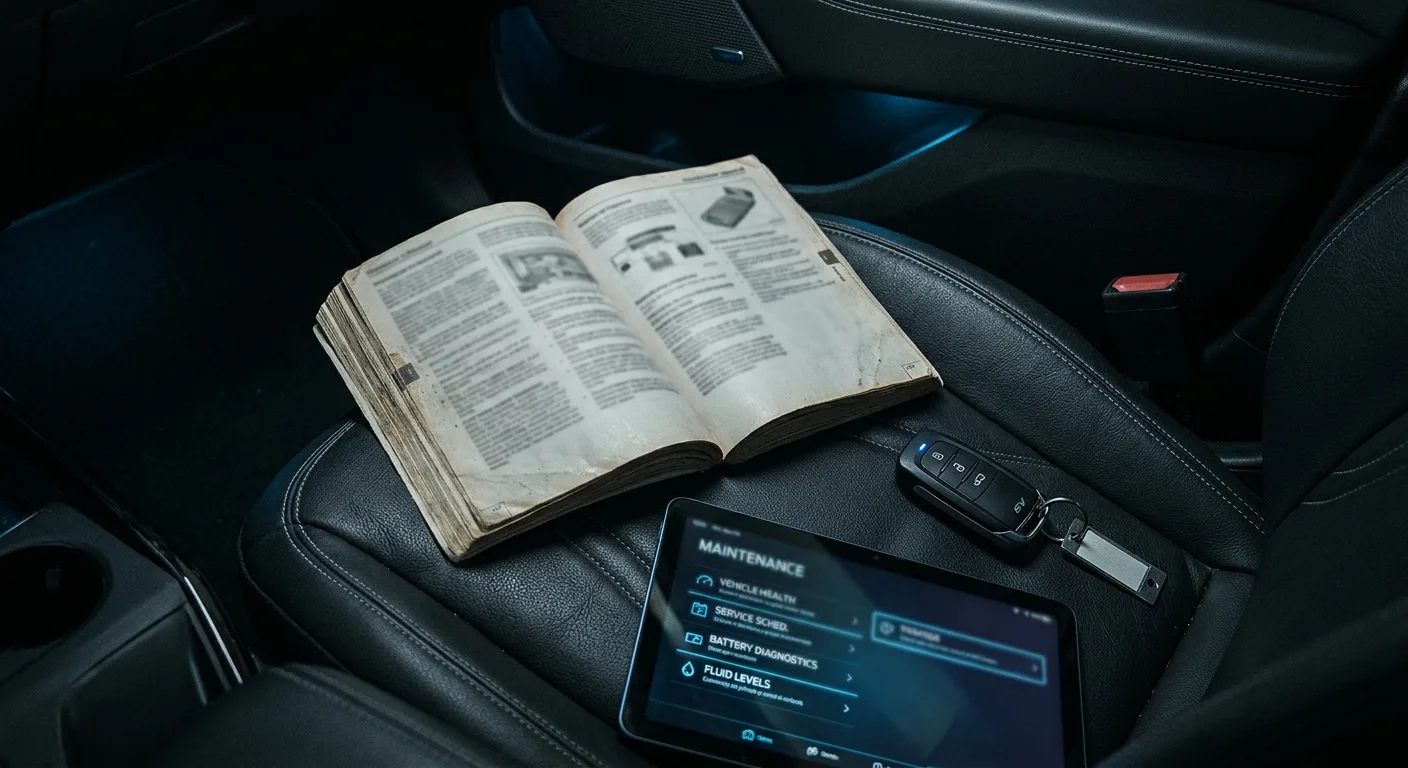
- The owner's manual, or the window section of it. The exact sequence varies by make and model, and the manual is the only source you can trust for yours
- A quiet spot where you can hear the motor and the window reach the top
- A charger or a healthy battery. If the 12V battery is weak, the learn routine can fail halfway and leave you worse off
You don't need tools for the reset itself. If you're still chasing a battery drain or a blown fuse that caused the flat battery in the first place, our diagnostic and fuse guides are the right next stop.
One safety note before anything else: everything in this guide is 12V work, the low-voltage system that runs lights, windows and infotainment. The high-voltage traction battery is a different animal entirely. Never open, probe or disconnect orange high-voltage cabling. If your car won't power on at all after a battery change, or you see high-voltage warnings on the dash, stop and call a qualified technician.
Step 1: Confirm the 12V battery is actually healthy
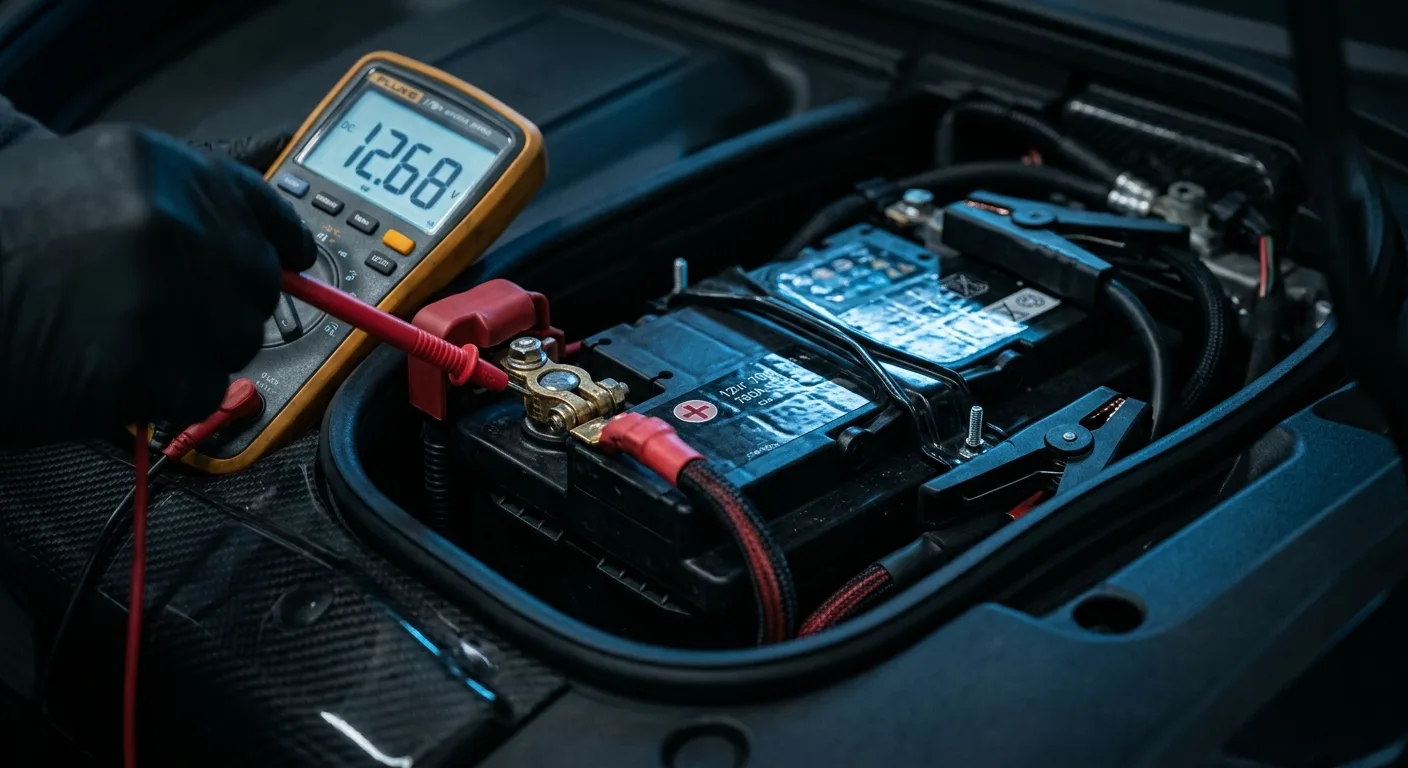
A window that won't learn is often a window being fed sagging voltage. Before you touch the switches, start the car or put it in "ready" mode so the DC-DC converter is charging the 12V system. On many EVs the windows behave much better with the car awake than in accessory mode.
Why it matters: the motor's position memory is written and checked against supply voltage. A battery at 11.8V can make a learn routine fail silently.
Tip: if the car has a 12V voltage readout in the dash menu or app, check it. A healthy resting figure is roughly 12.4-12.7V; while charging it's typically higher. Verify the expected range for your model in the manual.
Step 2: Find the correct reset procedure for your car
There are two main families of routine, and they are not interchangeable:
- Hold-to-learn: you hold the switch in the up position for a set number of seconds after the window closes, and the car stores the position.
- Full cycle learn: you drive the window fully down, hold, then fully up, hold, sometimes twice, often with a pause between.
Some cars want the door closed. Some want it open. A few want the ignition cycled between each window. Check the manual first, then try the common hold-to-learn routine in Step 3.
Why it matters: guessing wastes time and can leave one window half-taught, which is when the anti-pinch safety starts misbehaving.
Tip: if you can't find the manual, search your model plus "window reset" and cross-check against a forum thread with replies, not a single post. Owners of the same model year are the best source. Our EV model directory can help you pin down your exact variant before you search.
Step 3: Run the hold-to-learn routine (the common one)
With the car in ready mode:
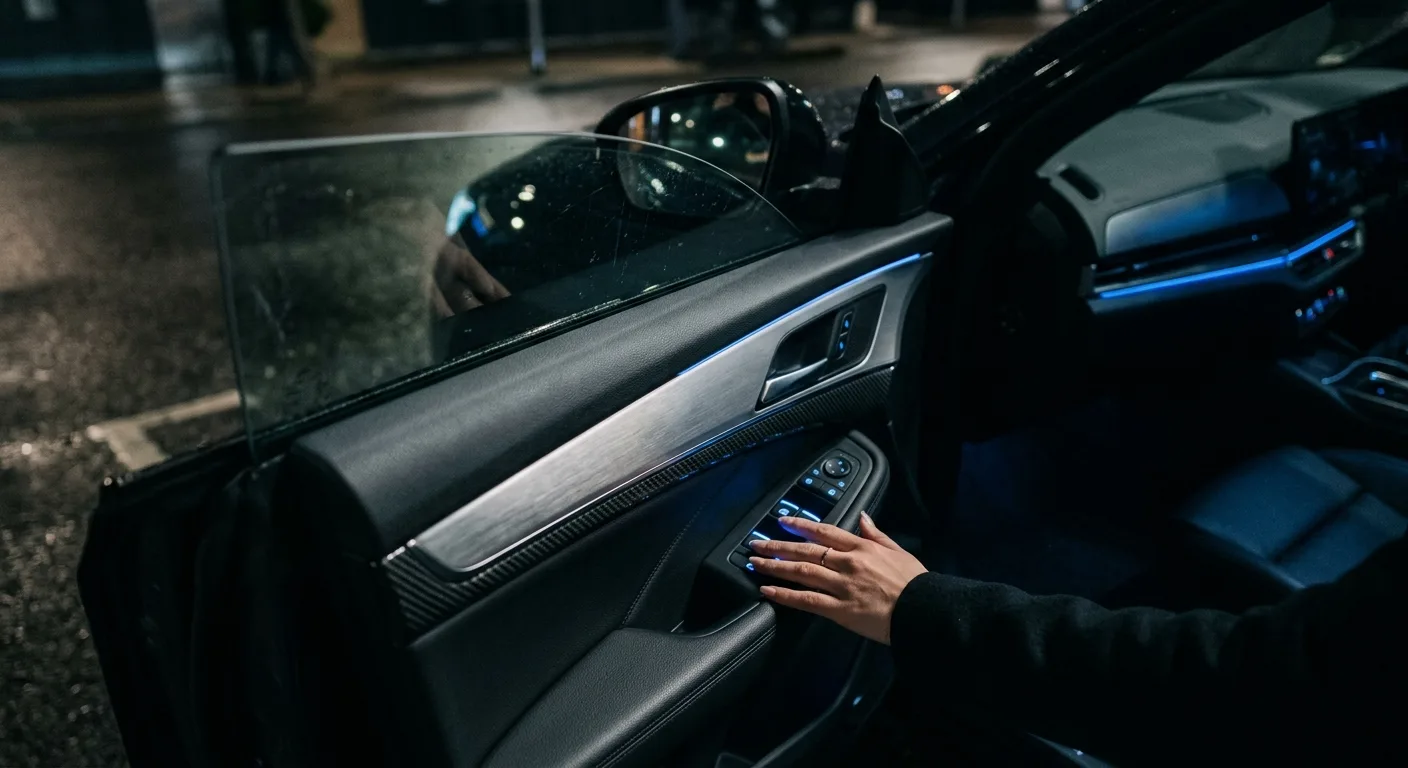
- Close the door for the window you're working on.
- Press the switch down and hold it until the window is fully open. Keep holding for about 3-5 seconds after it stops.
- Pull the switch up and hold it until the window is fully closed. Keep holding for about 3-5 seconds after it stops.
- Release. Test by pressing the switch briefly: a single press should now send the window fully down or up on its own.
Why it matters: the long hold at each end is the car recording the mechanical stop points.
Tip: if the window stops and immediately reverses during the up hold, the anti-pinch sensor thinks it hit an obstruction. Release, wait 10 seconds, and try again more slowly. If it keeps reversing, go to Step 5.
Step 4: Repeat for every window, one at a time

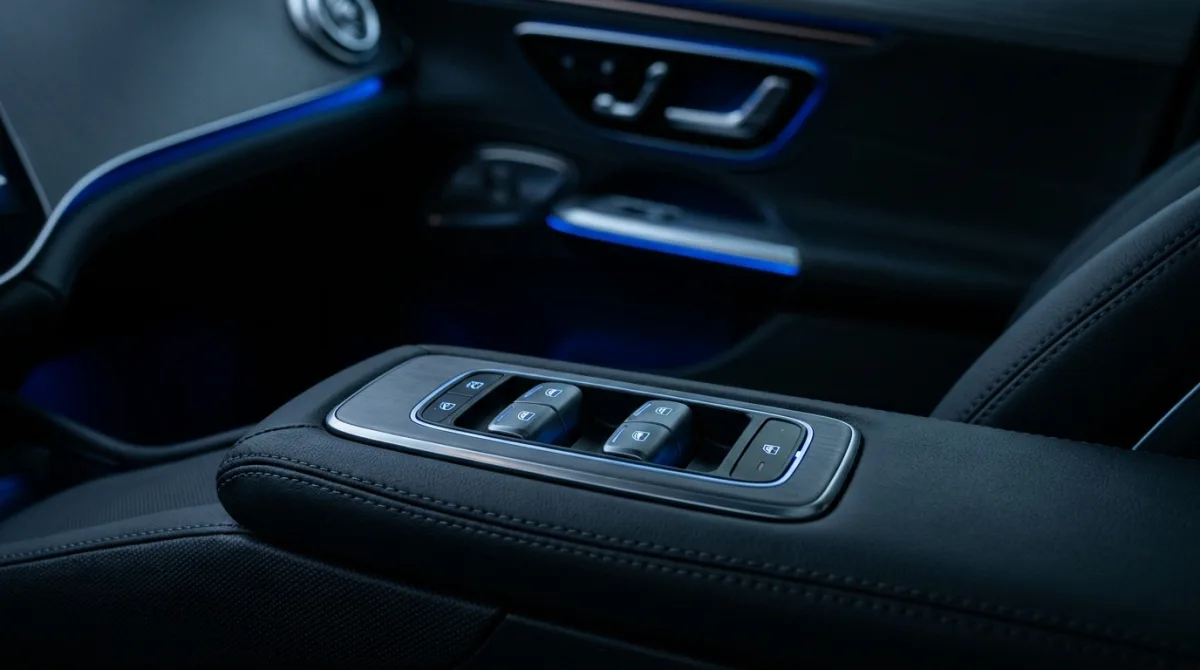
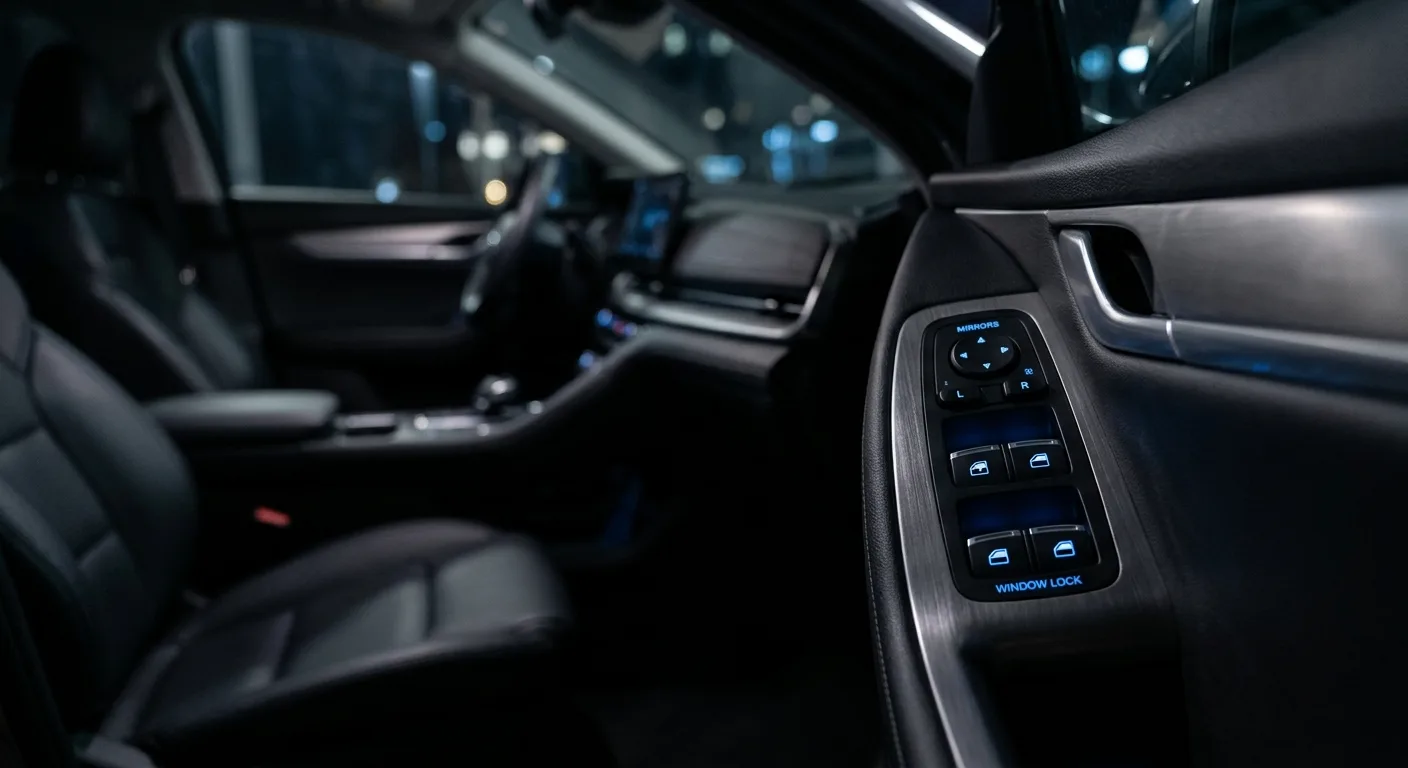
Do the driver's window first, then each passenger window from its own door switch. Some cars only learn from the door switch, not the master panel. Others learn all four from the driver's door once the driver's window is set.
Why it matters: each motor has its own memory. A car with one relearned window and three confused ones will still auto-reverse on the confused ones.
Tip: after each window, test the one-touch function before moving on. If it doesn't work, redo that window rather than carrying on.
Step 5: Check the anti-pinch behaviour
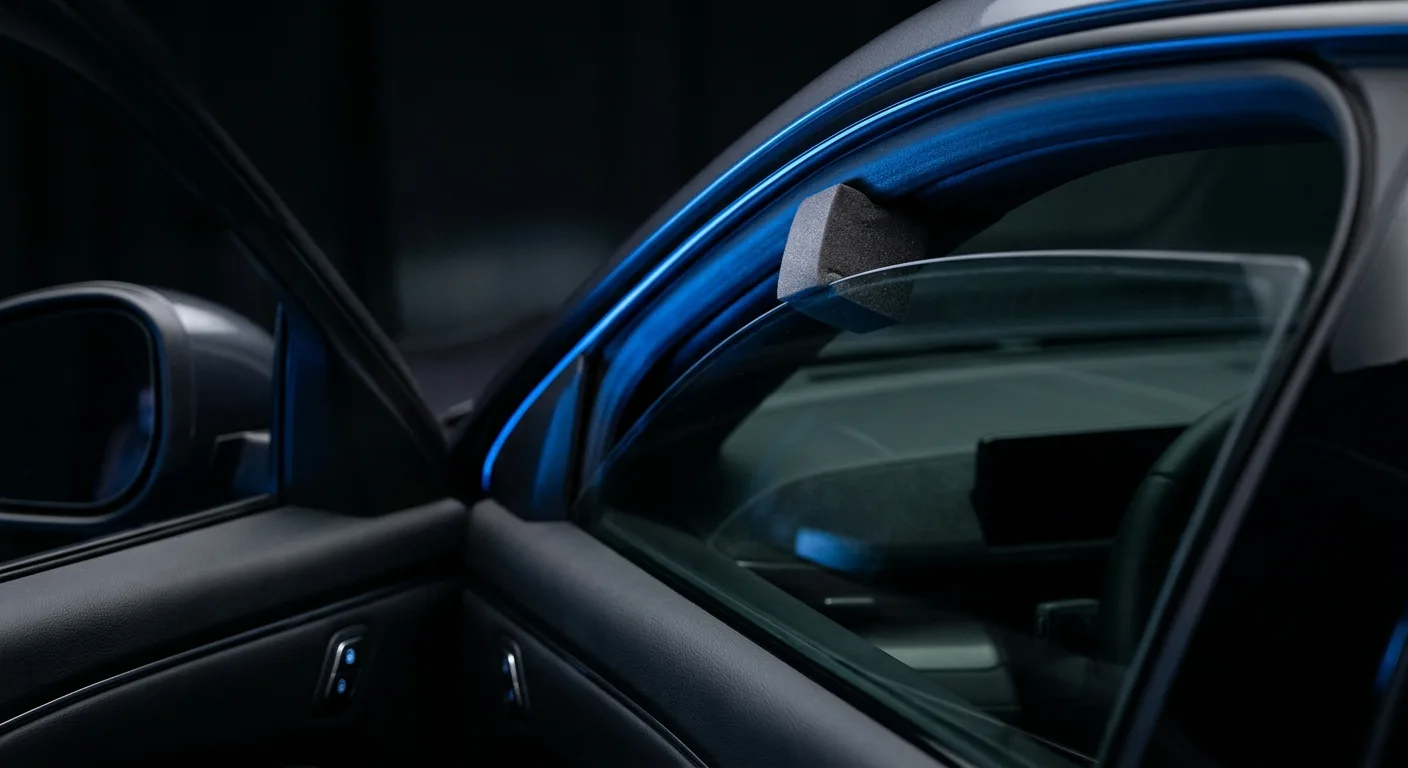
Once the windows are learned, test the safety feature. With the window going up, press your hand flat against the top edge of the glass (never fingers in the gap) and feel for it reversing. It should stop and back off.
Why it matters: a badly learned window can have a dead anti-pinch. That's a safety issue, especially with children in the back.
Tip: if anti-pinch doesn't work after two learn attempts, stop. That's a technician job, not a switch-holding job.
Step 6: Recheck the key fob and comfort features
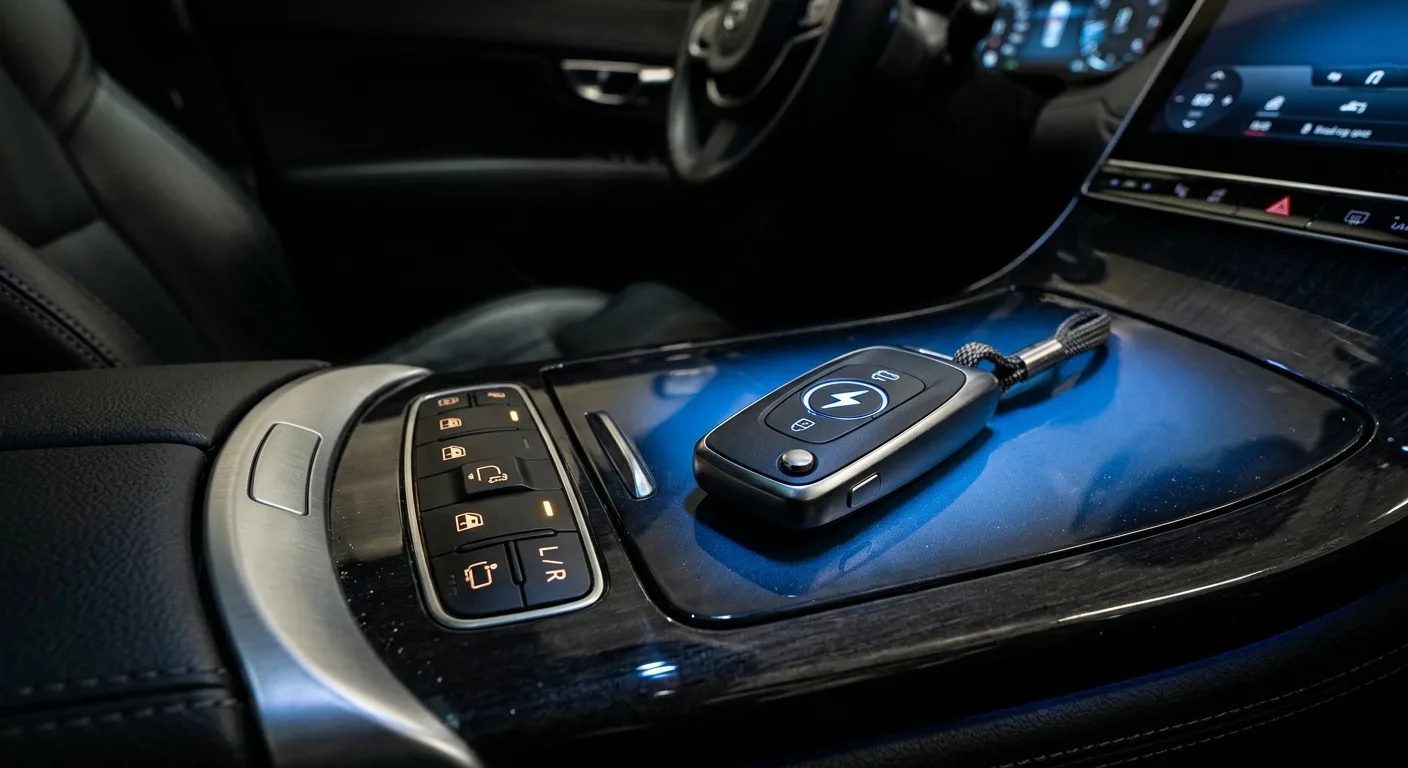
Many EVs let you hold the lock button on the fob to close all windows, or use a comfort-close feature. After a battery change these can stop working until the windows are learned and, on some cars, until the fob is re-associated.
Why it matters: a "broken" remote close is often just an unlearned window.
Tip: if the fob does nothing at all, the fob battery may be flat, or the car may need a key relearn. Check the manual's key section before assuming a window fault.
Pro tips
- Do the learn routine with the engine or car "on", not in accessory mode. Voltage stability is half the battle.
- Learns are per key on some cars. If your partner's fob behaves oddly, run the routine with that fob in the car.
- Don't rush the hold. The car is listening for a steady signal, and a twitchy release can abort the store.
- If one window refuses to learn, swap the door switch with a known-good one only if you're comfortable doing so; otherwise book it in.
- Write the routine down in your phone notes. You'll need it again after the next battery change.
- If you're comparing cars and want to know which models have fussy window electronics, our head-to-head comparisons and the troubleshooting guides are useful reading before you buy.
Common pitfalls
- Skipping the manual. The routine you remember from your last car may be the wrong one. Ten minutes with the manual saves an hour of guessing.
- Learning with a weak battery. The window closes, the routine "works", and it forgets by morning. Charge or replace the 12V first.
- Doing all four windows from the driver's panel when the car expects each door switch. Follow the manual's instruction on which switch to use.
- Ignoring the anti-pinch test. A window that closes but won't reverse is a safety fault, not a cosmetic one.
- Assuming a dead window is a dead motor. Loose connectors, a blown fuse or a chafed loom in the door gaiter can all mimic a failed learn. Our diagnostics section covers the fuse-first checks.
Useful resources
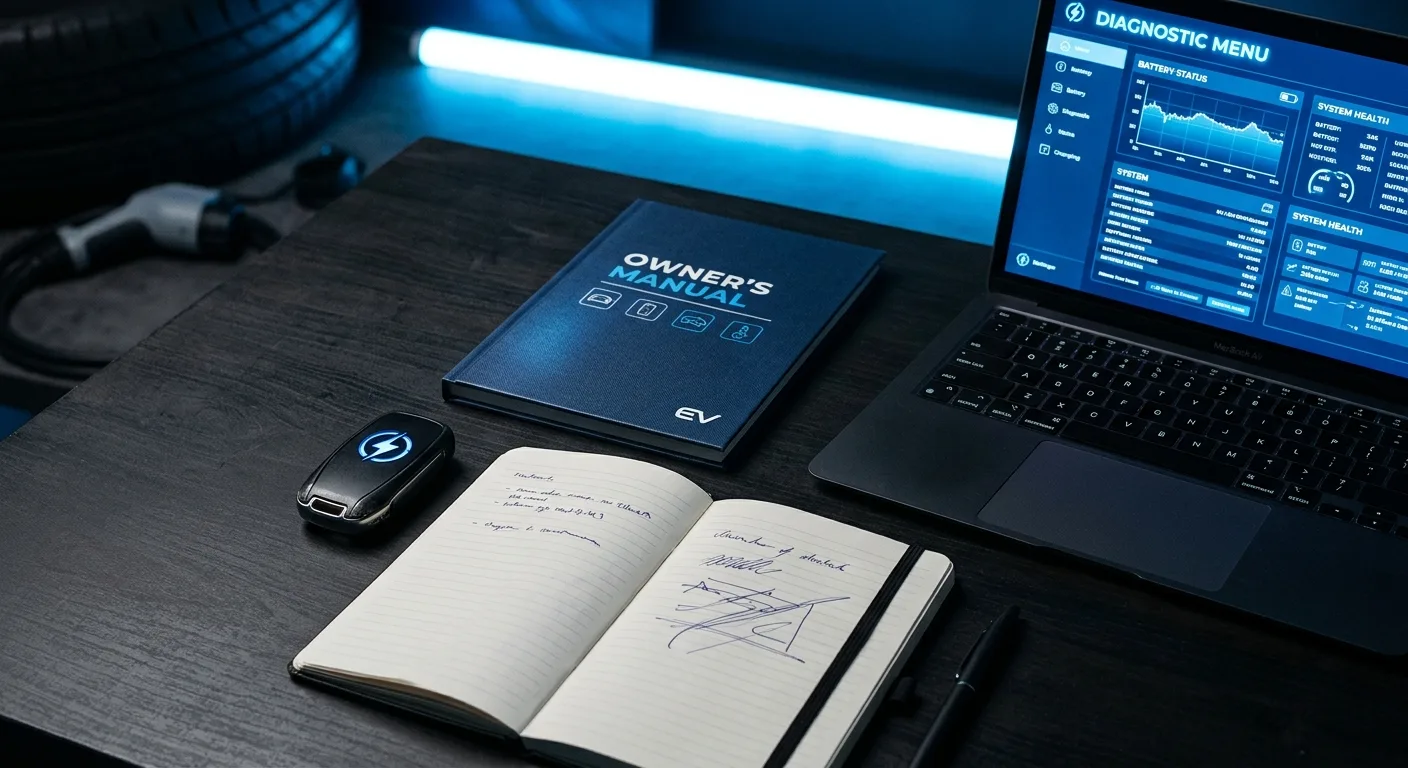
- Your owner's manual, window and key sections. Always the first stop.
- The EV troubleshooting guides on this site for window, fuse and 12V faults.
- The free EV calculators and tools if you're checking battery health or running costs.
- The EV blog for related ownership guides.
FAQ
How long does a window reset take? Usually 15-25 minutes for all four windows, including the anti-pinch test. Some cars with slow learn routines take longer.
Do I have to reset windows after every battery change? Not always. Some cars retain the memory. If your windows behave normally, you don't need to do anything. If one-touch or auto-reverse misbehaves, run the routine.
Why does my window go up then come back down? The car thinks it hit an obstruction. That's usually an unlearned position or a dirty, stiff window channel. Clean and lubricate the channel with a product the manual approves, then relearn. If it persists, see a technician.
Can I reset windows myself on any EV? The 12V learn routine is owner-level work on most cars. Anything involving the high-voltage system, a failed motor or a damaged loom is not. Stop and book a qualified technician.
Will a window reset fix a window that won't move at all? No. A reset only teaches a working motor its end stops. A dead window points to a fuse, switch, connector or motor fault, which needs diagnosis.
One last thing

A window reset after a battery change is one of the few jobs on an EV that's genuinely owner-friendly: no special tools, no software, just patience and the right sequence. Get the routine right once and you'll never be stumped by a window that "won't close properly" again. If it still misbehaves after two clean attempts, that's your cue to stop and let a technician look at it.