The free EV calculators and tools on EV Hub are there for one job: turning your own numbers into decisions you can act on. If you have just taken delivery of an electric car and the menus feel like a second job, this tutorial walks you through the settings that matter and shows you how to use the calculator to sanity-check the ones that depend on real figures, like charging cost and range.
When to use it

Use the calculator when a setting depends on a number you can actually measure or look up: your electricity tariff, your daily commute distance, your home charger's power output, or the battery size on your spec sheet. That is where a calculator beats guessing.
Skip it when the setting is purely a preference. Whether you want one-pedal driving on or off, or how loud you want the lock confirmation beep, is not a calculation. Just pick what feels right and move on.
Also skip the calculator for anything involving the high-voltage traction battery's internal condition. No online tool can tell you the state of health of your pack from a few inputs. If you suspect a real fault, work through the EV troubleshooting guides and get a qualified technician involved.
Step by step
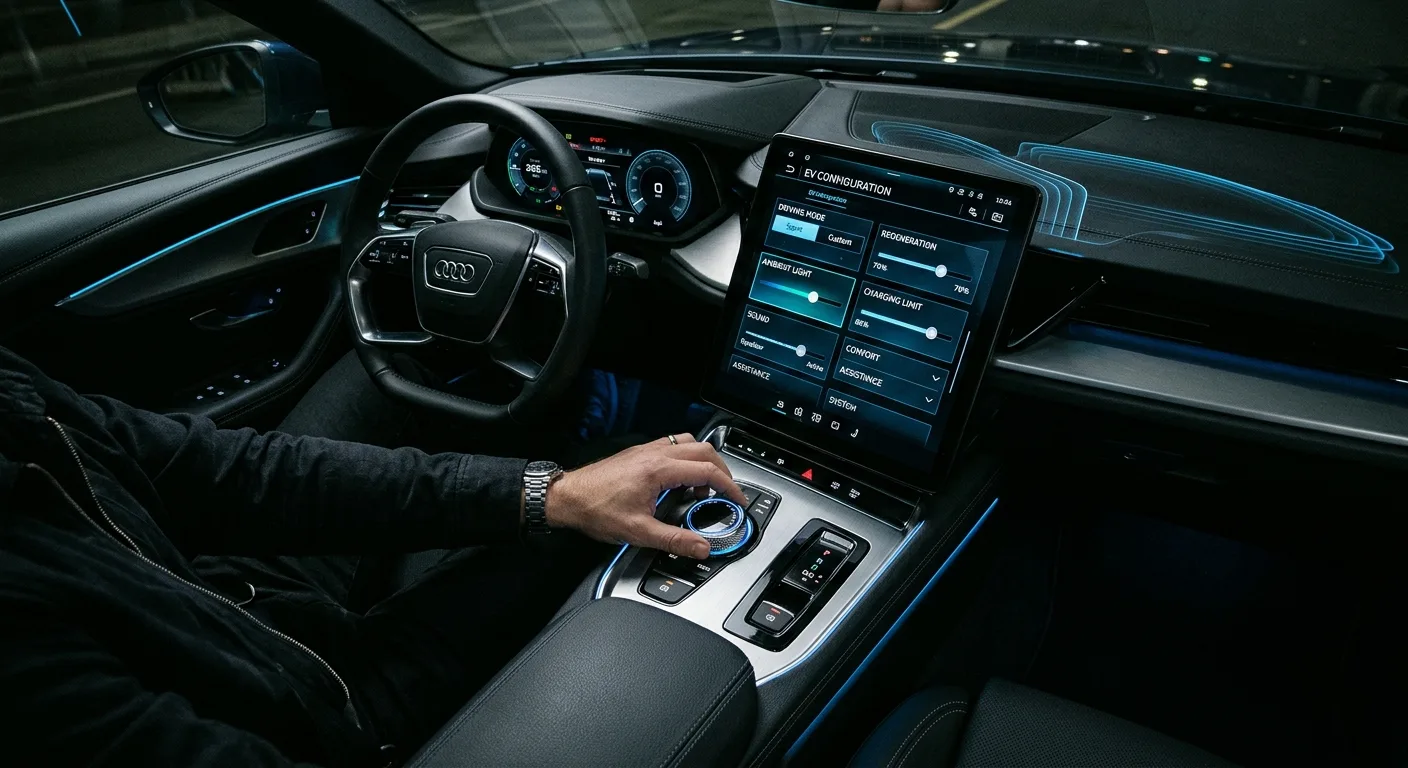
Here is the order I would work through with a new car. Do the physical and preference settings first, then use the tool for the ones that need numbers.
- Set your charge limit. Most EVs let you cap the state of charge. For daily use, a limit in the region of 80 percent is common advice for lithium packs, with a full charge reserved for long trips. Check your own manual; the right figure varies by chemistry.
- Set a departure time and preconditioning schedule. If your car supports it, this warms or cools the cabin while still plugged in, so you are not draining range on the first mile.
- Turn on scheduled off-peak charging. Enter your tariff's cheap window (for example 00:30 to 07:30) so the car charges when power is cheapest.
- Pick your regen level and one-pedal mode. Try the strongest setting for a week. Many drivers never go back; some find it jerky in traffic. There is no wrong answer.
- Adjust the charge port lock and cable behaviour. Decide whether the cable locks while charging (good for public points) and whether it auto-unlocks when done.
- Set climate pre-conditioning and ECO mode defaults. ECO mode softens throttle response and often trims climate power. Fine for commuting, annoying on a hill.
- Configure driver profiles and seat memory. Do this before you fiddle with anything else, or you will re-do every setting twice.
- Set up the app and remote features. Pair your phone, enable remote climate and charge status, and check the notifications are actually on.
- Run the calculator for your real running cost. Open the free EV calculators and tools, enter your electricity price per kWh and your average consumption, and read off the cost per mile or km.
- Run it again for your commute range. Enter your daily distance and your car's real-world consumption to see how much of the pack a typical day uses. If it is over roughly half the battery, plan charging more carefully.
The exact menu names differ between brands, so treat the list as a checklist of decisions rather than a map of buttons. If you are still choosing between two models, the head-to-head EV comparisons show how these features differ before you commit.
Running the cost calculation
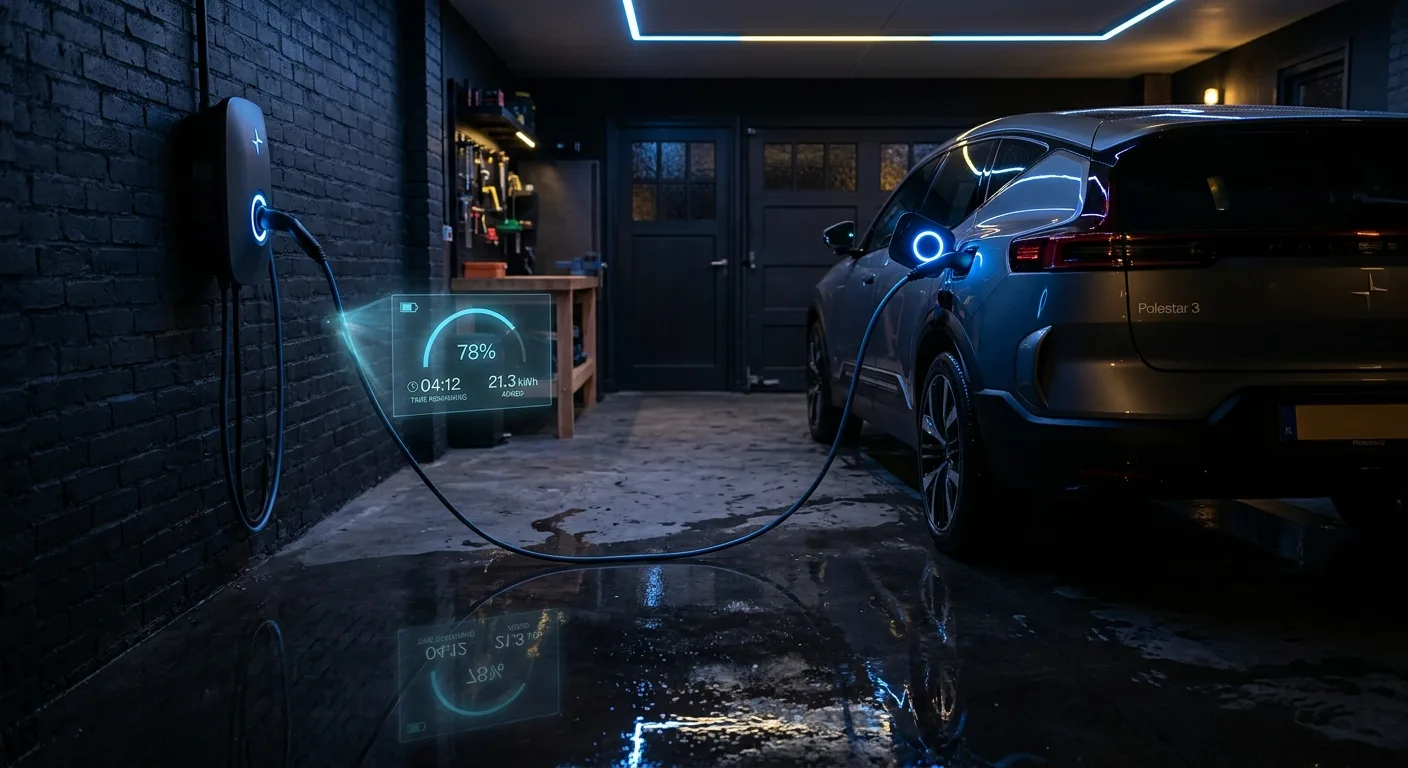
When you reach the calculator, here is what to feed it.
- Electricity price: your rate per kWh, in your local currency. Use the off-peak figure if you charge at night.
- Consumption: your car's efficiency in kWh per 100 km or miles per kWh. Use the real-world number from your trip computer, not the brochure figure.
- Distance: the period you want to cost, for example one week of commuting.
The output is a cost figure for that distance. Compare it against what you were paying for fuel and the result usually speaks for itself.
Worked example
Say your off-peak rate is 0.15 per kWh, your car's trip computer shows 18 kWh per 100 km, and you drive 300 km a week.
Energy used: 18 kWh per 100 km times 3 (for 300 km) equals 54 kWh.
Cost: 54 kWh times 0.15 equals 8.10 per week.
The numbers are internally consistent because they come from the same units. If you had entered miles per kWh instead of kWh per 100 km, the result would be nonsense. Always check the unit dropdown before you trust the answer.
Limits and gotchas
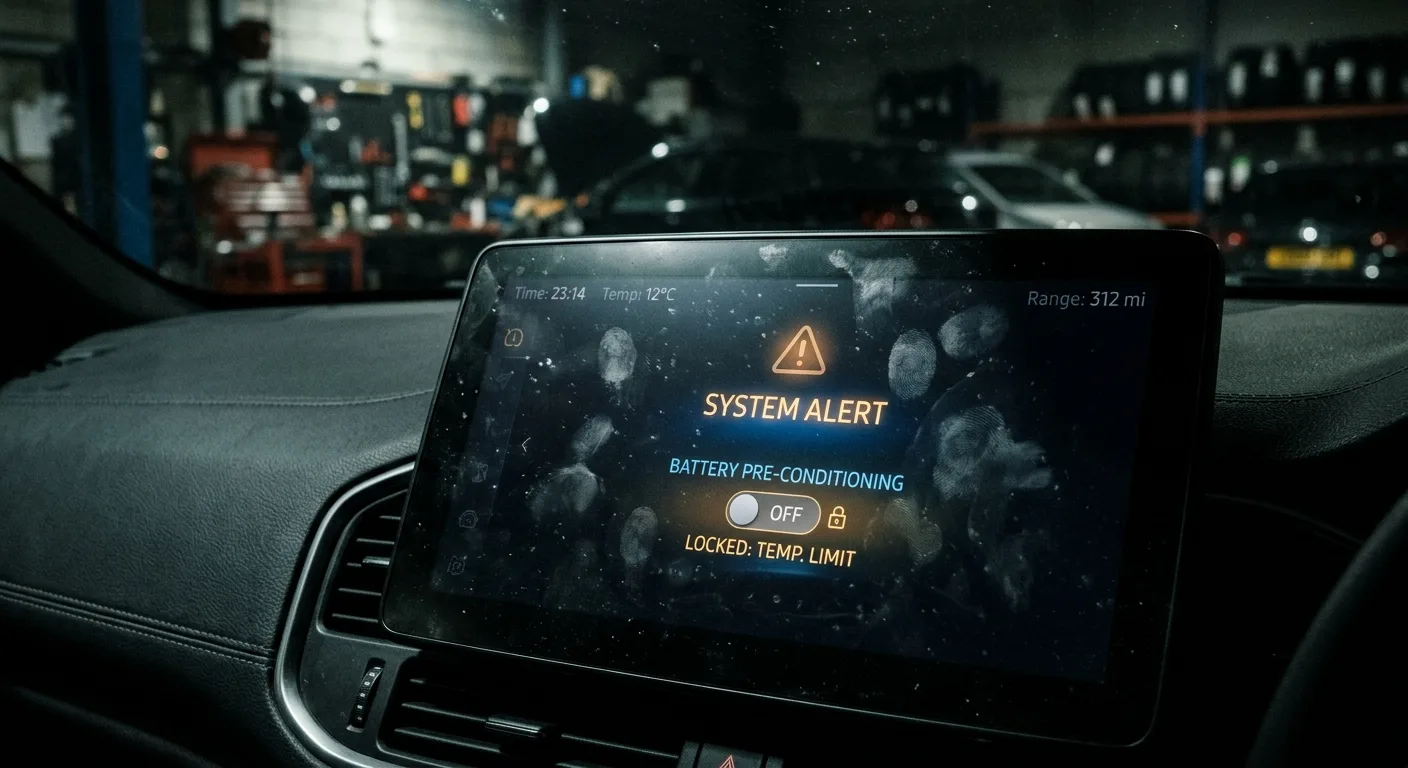
The calculator does arithmetic on what you give it. It cannot know your driving style, the weather, or whether your car's display is optimistic.
- Consumption varies with conditions. Cold weather, motorway speeds and headwinds all push consumption up. A winter figure can be noticeably worse than a summer one.
- Tariffs are not flat. Standing charges, time-of-use bands and export rates complicate the picture. The tool gives you the energy cost, not your whole bill.
- Charging losses exist. Some energy is lost between the wall and the battery. Treat the result as a close estimate, not a precise invoice.
- It cannot diagnose the car. If your range has dropped sharply, that is a fault question, not a calculator question. The EV diagnostic and fuse guides are the better starting point.
- Verify figures against your manual. Battery sizes and charge limits vary by model and by software version. When in doubt, check the official documentation.
FAQ

Do I need to change all ten settings on day one? No. Do the charge limit, the schedule and the driver profile first, because those affect the car every day. The rest can wait a week.
What charge limit should I use? Follow your manufacturer's guidance. A daily limit around 80 percent is common for lithium packs, with a full charge for long journeys. Your manual is the authority.
Why is my calculated cost lower than my electricity bill suggests? Because the calculator covers energy for driving, not standing charges, other appliances or charging losses. Use it to compare driving costs, not to predict your bill.
Can the tool tell me my real range? No. It works from the consumption figure you enter. Your trip computer and a few weeks of real driving give a better answer.
Where do I start if a setting will not stick? Check whether a driver profile is overriding it, then look at the EV blog for model-specific quirks.
Where to go next

Open the free EV calculators and tools, plug in your tariff and your real consumption, and let the numbers settle the questions your menus cannot.
Ready to act on what you just read? Explorethe EV model directory, head-to-head EV comparisons or the free EV calculators and tools. The rest of this site is built to help you take the next step.