Electric Cars
Electric Car Software Update Failed: Troubleshooting Guide
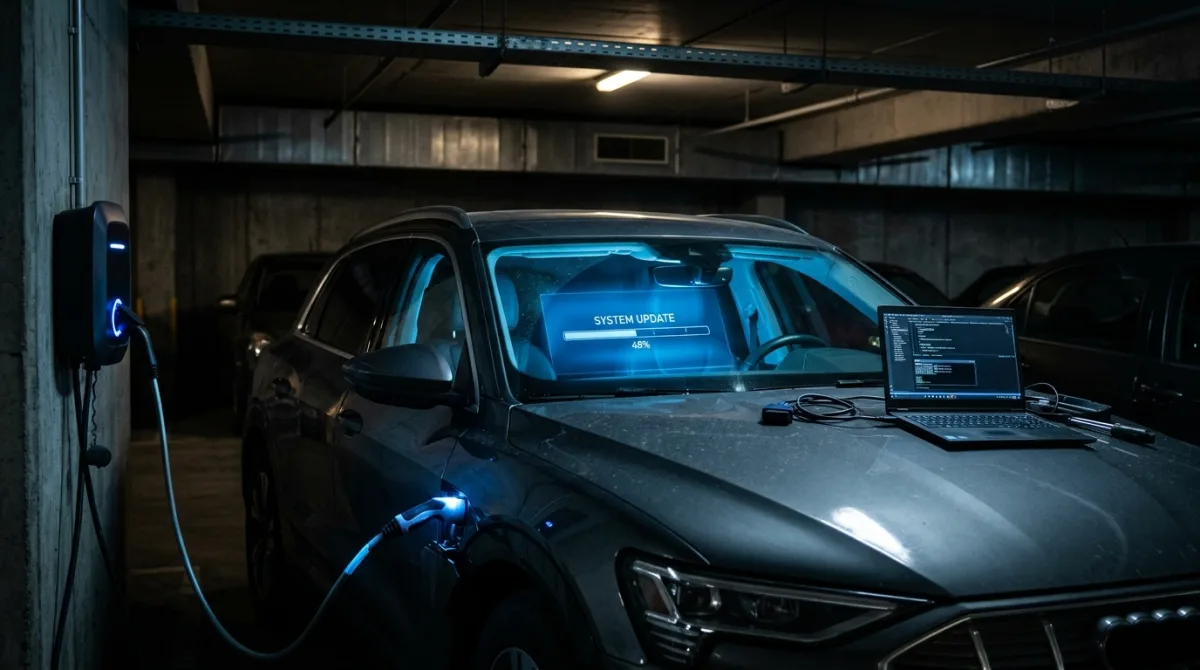
You start an over-the-air update and the progress bar creeps to 30 or 60 percent, then freezes. The screen reports the installation failed, says the update is paused, or asks you to retry. Sometimes the car then won't start, the infotainment screen stays black, or a warning light you've never seen appears.
What causes it
An OTA update is a computer flashing firmware while the car's systems run on low voltage. If the 12V battery sags, the connection drops, or a module doesn't respond in time, the install aborts partway and leaves the car in a half-updated state, which is why screens go dark and warnings appear.
You started an over-the-air (OTA) update, the progress bar crawled to 30 or 60 percent, and then it stopped. The screen says the installation failed, or the update is "paused," or the car asks you to retry. Sometimes the car won't start, the infotainment screen is black, or a warning light you've never seen is now on.
You are in the right place. This guide covers what to check, in what order, and the point where you should stop touching anything and call for help. It applies broadly to electric cars, and most of the low-voltage logic carries over to e-scooters, e-bikes and electric motorcycles that receive firmware updates through an app.
Safety first
Before you do anything, treat the car as a car, not a phone.
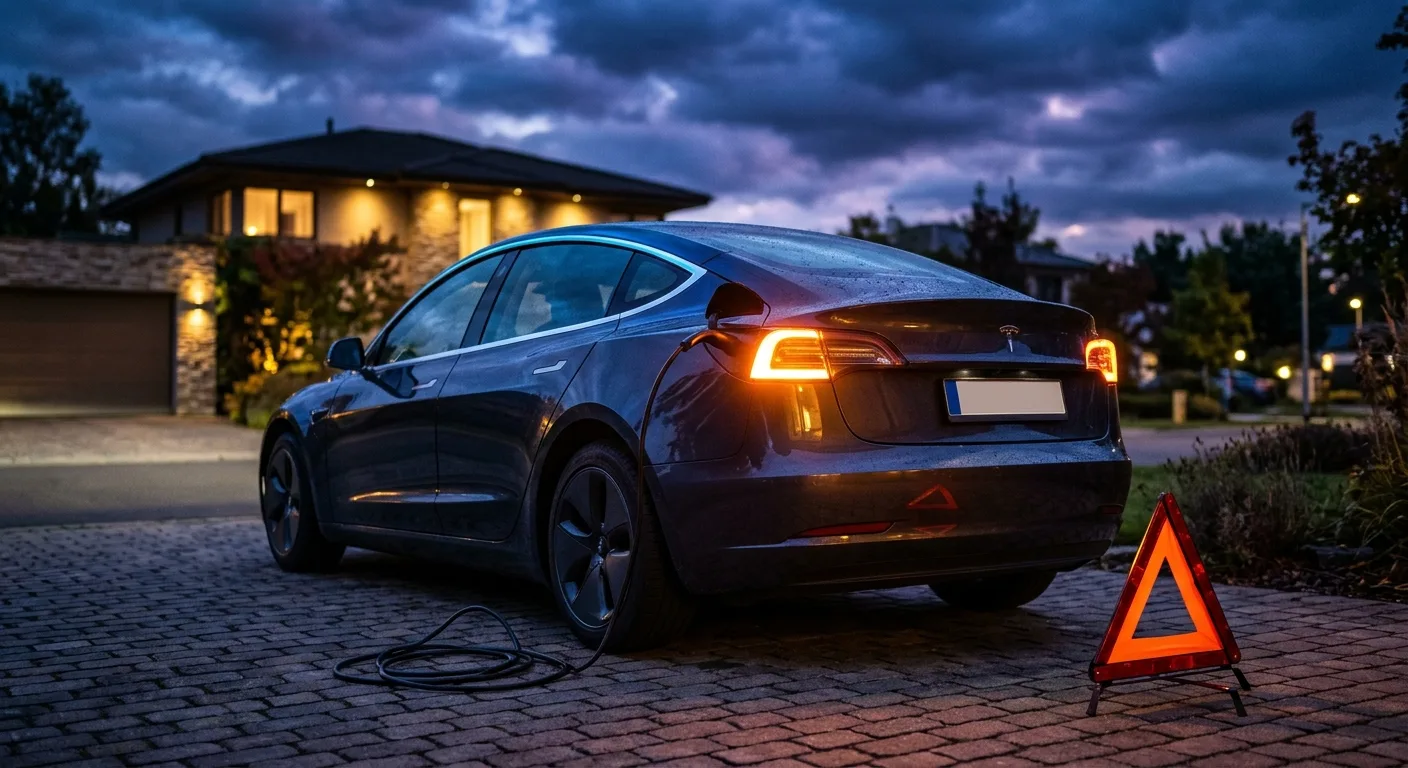
- Park on level ground, apply the parking brake, and put the car in Park.
- Keep the key or phone key well away from the vehicle if the update has already failed and the car is behaving oddly.
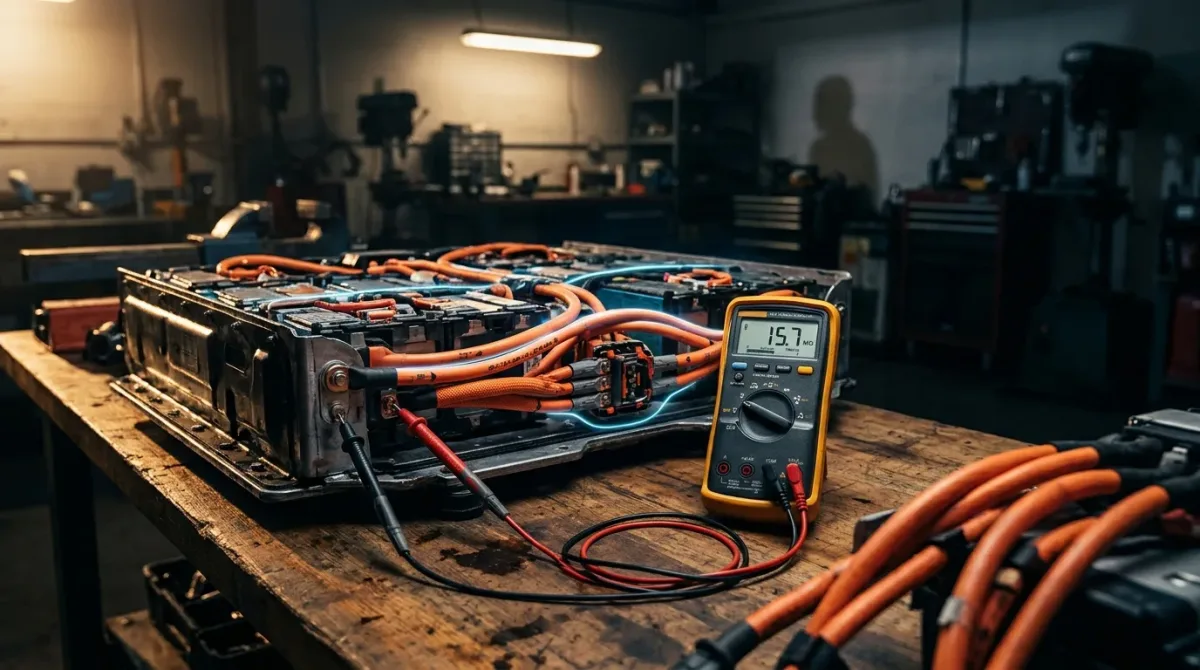
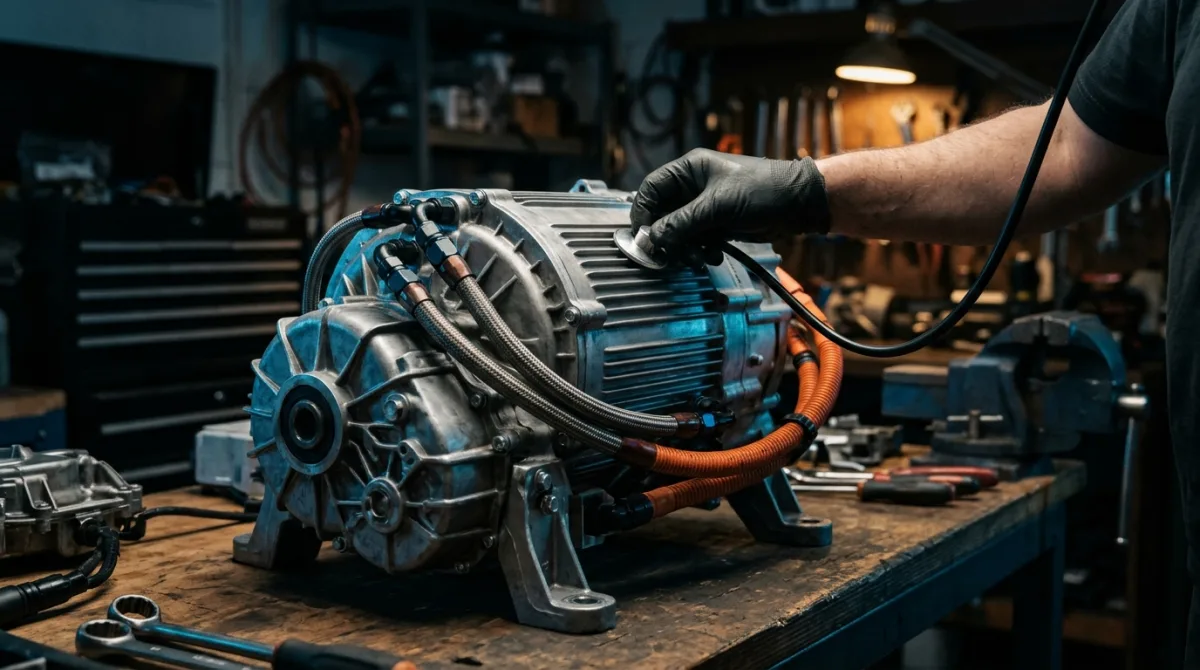
- Do not open the hood and start pulling connectors to "reset" the car. On an EV, the 12V system is safe to inspect, but the high-voltage traction battery and every orange cable are not. Orange means high voltage. Do not touch, unbolt, or probe anything orange, ever.
- Do not disconnect the 12V battery as a reset trick unless your owner's manual explicitly says to. On many EVs this can trigger errors, lose calibration data, or leave modules in a bad state. Some models need a specific reconnection sequence afterward.
- Do not attempt to force a reinstall by pulling fuses to the infotainment or gateway module. You can brick a module that was mid-write.
The safe rule: 12V checks and screen-level resets are within reach for a careful owner. Anything involving the traction battery, orange cabling, or a module that won't respond is a job for a qualified technician.
Check these first
Work down this list in order. Each step is cheap and reversible, and each one rules out a common cause.
-
Confirm the update really failed. Look at the screen and note the exact wording. A message like "update paused, connect to Wi-Fi" is not a failure. A message like "installation unsuccessful" or "update could not be completed" is. Normal result: a clear status you can read. If the screen is completely black, skip to step 6.
-
Check the 12V battery voltage. This is the single most common culprit. Use a multimeter on the 12V battery terminals (the small battery, not the traction pack). With the car off and rested, a healthy 12V battery reads around 12.4-12.7V. Below roughly 12.0V is weak; below 11.8V is a real problem. A failing 12V battery will abort an update because the car cuts power to protect itself mid-write. If it reads low, charge it or replace it before retrying.
-
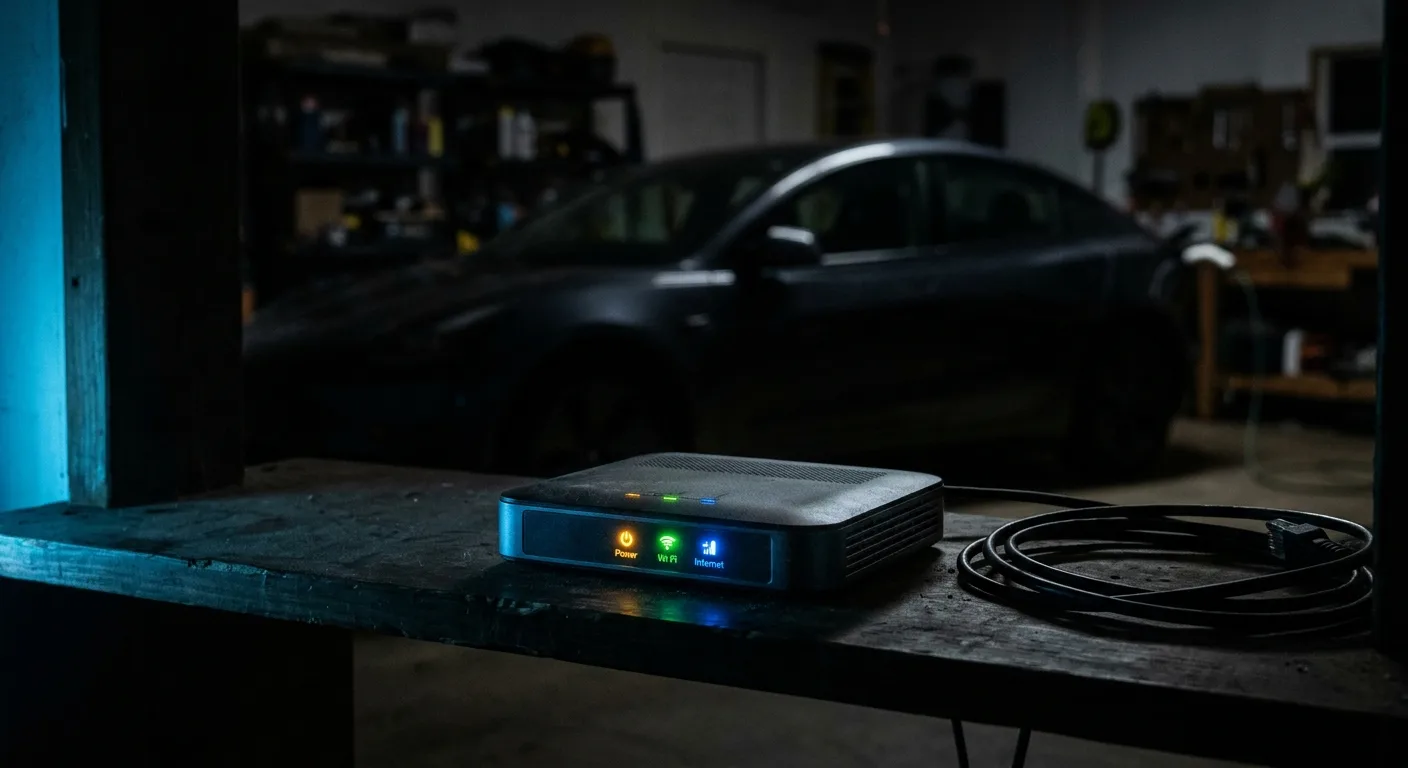
Check your connection. OTA updates usually need a stable Wi-Fi or cellular link for the whole download. If you're on a weak signal, the download may stall and time out. Move the car somewhere with a strong signal, or connect it to home Wi-Fi if the car supports it. Normal result: the download completes without dropping. If it keeps stalling at the same point, the connection or the server is the issue, not the car.
-
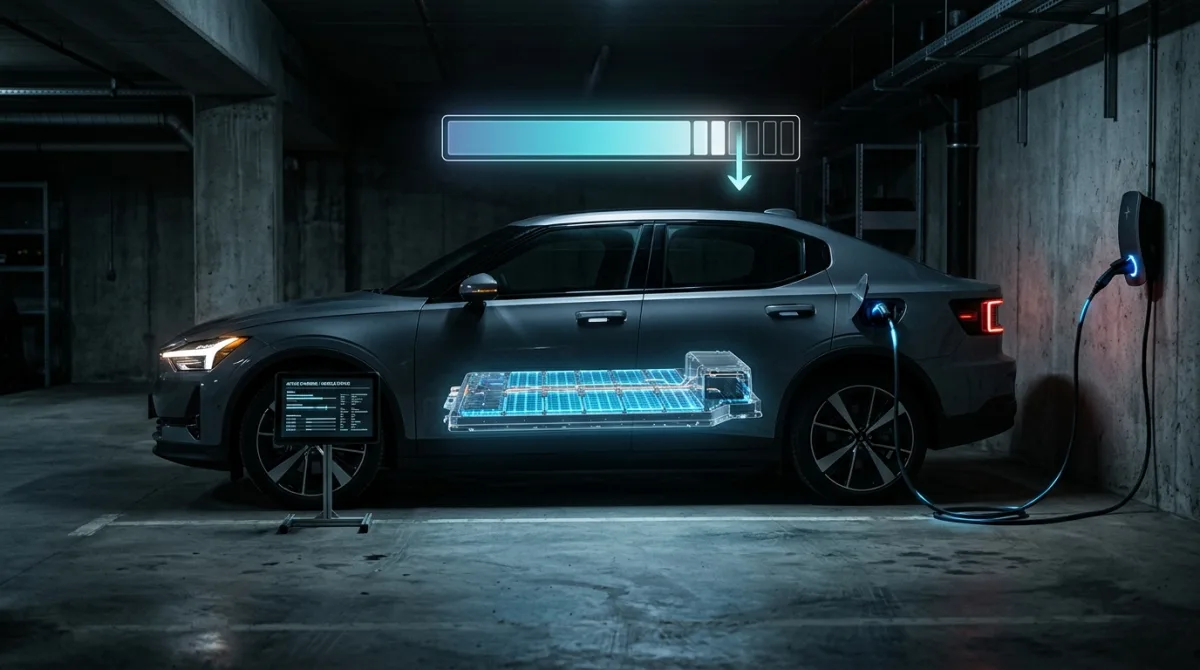
Check state of charge. Updates often require the traction battery to be above a threshold (commonly 20-50 percent, and it varies by model). Charge the car to a comfortable level, say 60 percent or more, before retrying. The car may refuse to start an install on a low pack.
-
Check for an active charging session or accessory draw. Some cars won't install while plugged in, and some won't install while anything is drawing power (cabin pre-conditioning, a dashcam on the 12V socket). Unplug, switch off accessories, lock the car, and let it sit undisturbed.
-
Do a soft reset of the infotainment system only. Most cars have a documented soft reset, usually holding a button combination for 10-15 seconds. Check your manual. Normal result: the screen reboots and the update status reappears. If the screen stays dead after a documented soft reset, stop and get help.
-
Retry the update once conditions are met. With a healthy 12V battery, a good connection, and enough charge, start the update again and leave the car alone. Don't open doors, don't unplug, don't check on it every five minutes. Normal result: it completes. If it fails again at the same percentage, that's a pattern worth reporting.
The most likely cause
Nine times out of ten, a failed OTA update on an EV comes down to the 12V battery or the power supply feeding the modules during the write. An update rewrites firmware in one or more control modules, and that write has to finish without interruption. If voltage sags even briefly, the module aborts to avoid corrupting itself. The car then reports a failed installation, and sometimes it throws a warning light or refuses to start as a side effect.
The second most common cause is a dropped connection during download. This is more annoying than dangerous, but it looks identical on screen: the update "fails" when really it never finished downloading.
Notice what's not on this list: a broken traction battery. A failed software update rarely means your high-voltage pack is bad. It's almost always a low-voltage or connectivity problem, which is why the checks above focus there first.
How to fix it
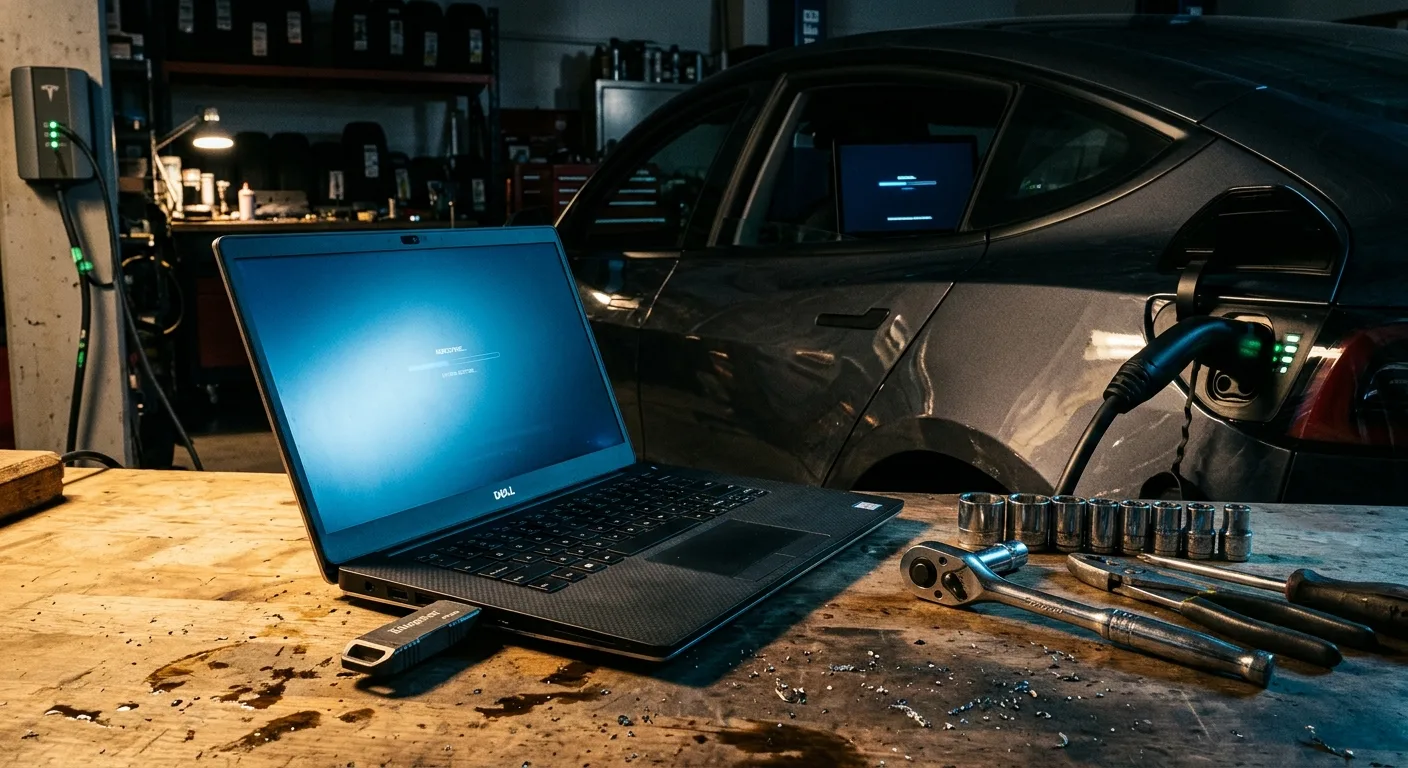
For a weak 12V battery: charge it fully with a smart charger, or replace it if it's old (lead-acid 12V batteries often last 3-5 years; check the date). Then retry the update with the car unplugged and accessories off. If the battery won't hold a charge above 12.4V after a full charge, replace it. This is a normal wear item, not a fault.
For a dropped connection: move to a strong signal, connect to Wi-Fi if supported, and retry. If the download keeps stalling, wait and try again later; the update server may be busy.
For a car that won't start after a failed update: this usually means a module is in a half-written state. Do not keep retrying blindly. A documented soft reset of the infotainment system sometimes clears it. If it doesn't, this is a dealer or qualified technician job; they can reflash the module with the correct firmware.
For a screen that stays black: try the documented soft reset once. If it stays dead, stop. A dead infotainment screen after an update can indicate a module that needs reflashing, and forcing it further can make it worse.
When a part needs replacing: if the 12V battery is the cause and it's old or won't hold charge, replace it. That's the one "part swap" this guide endorses. Anything else, including modules and the high-voltage system, goes to a professional.
If you're comparing cars and want to know which models handle OTA updates more gracefully, the head-to-head EV comparisons on this site break down software and connectivity differences, and the EV troubleshooting guides cover model-specific quirks.
When to see a professional
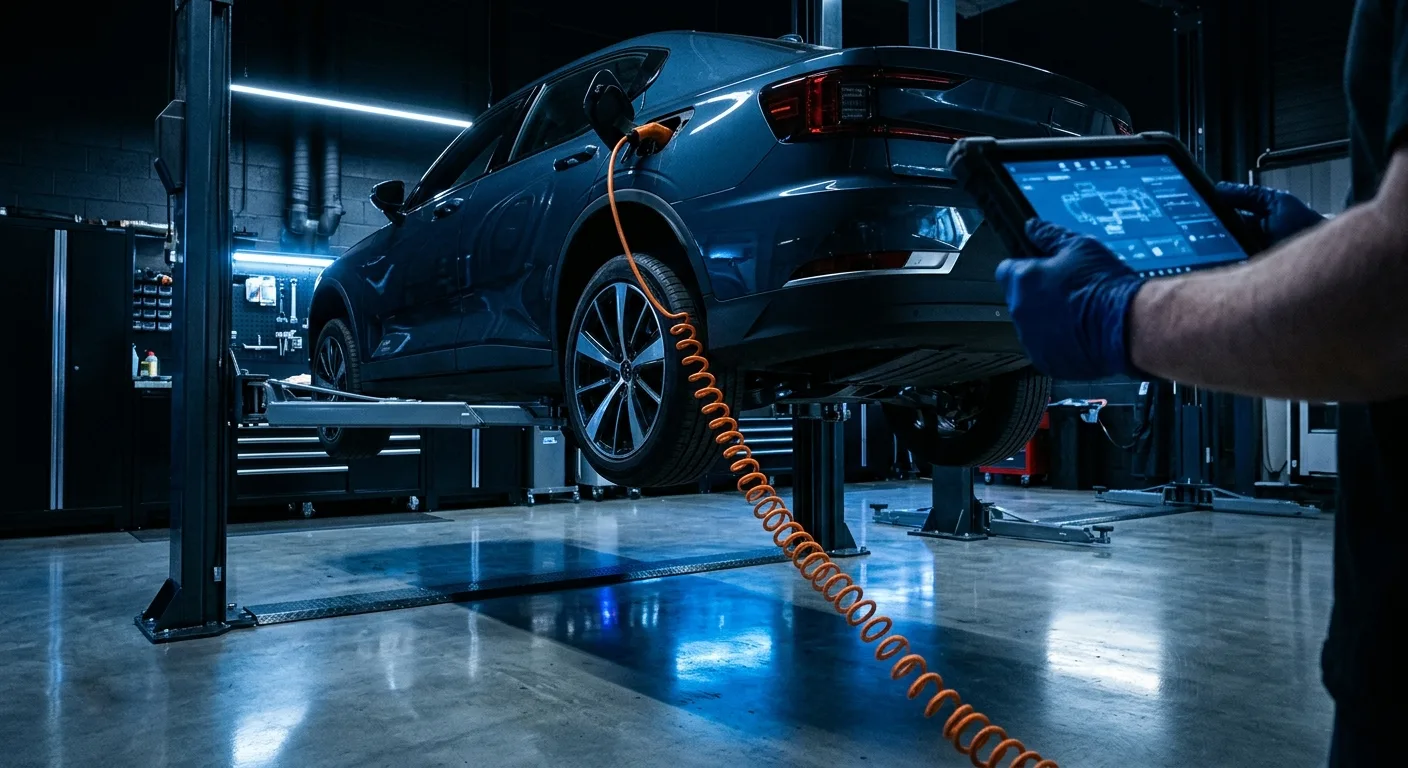
Stop and call a qualified technician or your dealer if any of these apply:
- The car won't start, won't shift out of Park, or shows a red warning light after the failed update.
- The infotainment screen stays black after one documented soft reset.
- The 12V battery reads below 11.8V and won't recover after charging.
- The update fails at the same percentage repeatedly, even with a healthy battery and good connection.
- You see or smell anything unusual near the high-voltage system, or any orange cable looks damaged. Do not touch it. Get the car towed.
- The car reports a high-voltage or battery fault. That is never a DIY job.
A dealer can reflash modules and read the full fault log, which you can't do from the driver's seat. If you want to understand what the fault codes mean before you call, the EV diagnostic and fuse guides explain the common ones.
FAQ
Will a failed update damage my car? Usually not. The car aborts the write to protect itself, and a retry after fixing the 12V battery or connection often succeeds. The risk is a module left half-written, which needs a reflash. That's why you don't force it.
Can I just ignore the failed update and keep driving? If the car drives normally and only the update status is stuck, yes, you can drive it while you sort out the cause. But don't start another update until you've checked the 12V battery and connection, or you'll likely fail again.
Why does my car need a strong 12V battery to update? The update writes firmware to control modules, and those modules need steady power for the whole write. A weak 12V battery can't guarantee that, so the car plays it safe and aborts. It's protecting the electronics, not being difficult.
How long should an update take? It varies a lot by model, from 15 minutes to well over an hour. Check your manual for the expected window. If it's been far longer than that with no progress, treat it as a failed update and follow the checks above.
Do e-scooters and e-bikes have the same problem? The logic is similar: a weak battery or a dropped Bluetooth connection can abort a firmware update done through an app. Keep the vehicle charged and the phone close, and don't let the screen lock mid-update. The free EV calculators and tools on this site can help you check battery health before you update.
Ready to act on what you just read? Explorethe EV model directory, head-to-head EV comparisons or the free EV calculators and tools. The rest of this site is built to help you take the next step.