You can cut your charging bill by a surprising amount without changing your car, your route or your driving style. After reading this, you'll be able to hunt down the cheapest charging near you, read the real cost per kWh instead of the headline price, and avoid the networks that quietly charge you twice. It takes about 15 minutes to set up and five minutes per trip after that.
The trick most drivers miss is that the cheapest station is rarely the closest one. Location, network, session fees and time of day all move the final number. Let's walk through it.
What you need before you start

You don't need much, and you don't need to sign up for anything until you've compared options.
- A phone with at least two charging apps installed, plus a browser for the rest.
- Your car's battery size in kWh (check the spec sheet or the model directory if you're unsure).
- Your typical charge: are you topping up 20 kWh at home, or filling from 10% to 80% on a road trip? The answer changes which stations are actually cheap for you.
- A rough idea of your real consumption in miles per kWh or km per kWh. The free EV calculators and tools can help you convert between units and estimate cost per mile.
Step 1: Know your real cost per kWh, not the sticker price
Charging prices are quoted in different ways: per kWh, per minute, or a flat session fee. Some networks combine all three. Before you compare anything, decide that your benchmark is cost per kWh delivered to your battery.
Why it matters: a station at 40 cents per kWh and one at 35 cents plus a 2 dollar session fee are not always what they seem. If you only add 8 kWh, the fee pushes the real rate well above 40 cents.
Practical tip: do the maths for your typical top-up, not a full charge. A short stop on a per-session fee is often the worst deal on the forecourt.
Step 2: Use the map apps but filter by network, not just distance

Open your main charging app (PlugShare and the networks' own apps are both useful) and switch on the filter for connector type and charging speed. Then look at which networks appear near you.
Why it matters: the same street can have three stations at wildly different rates, and distance alone tells you nothing about price.
Practical tip: in PlugShare, use the filter and read the recent check-ins. Drivers often mention price changes and whether a station is actually working, which the network map won't tell you.
Step 3: Check the network's own app for the live tariff
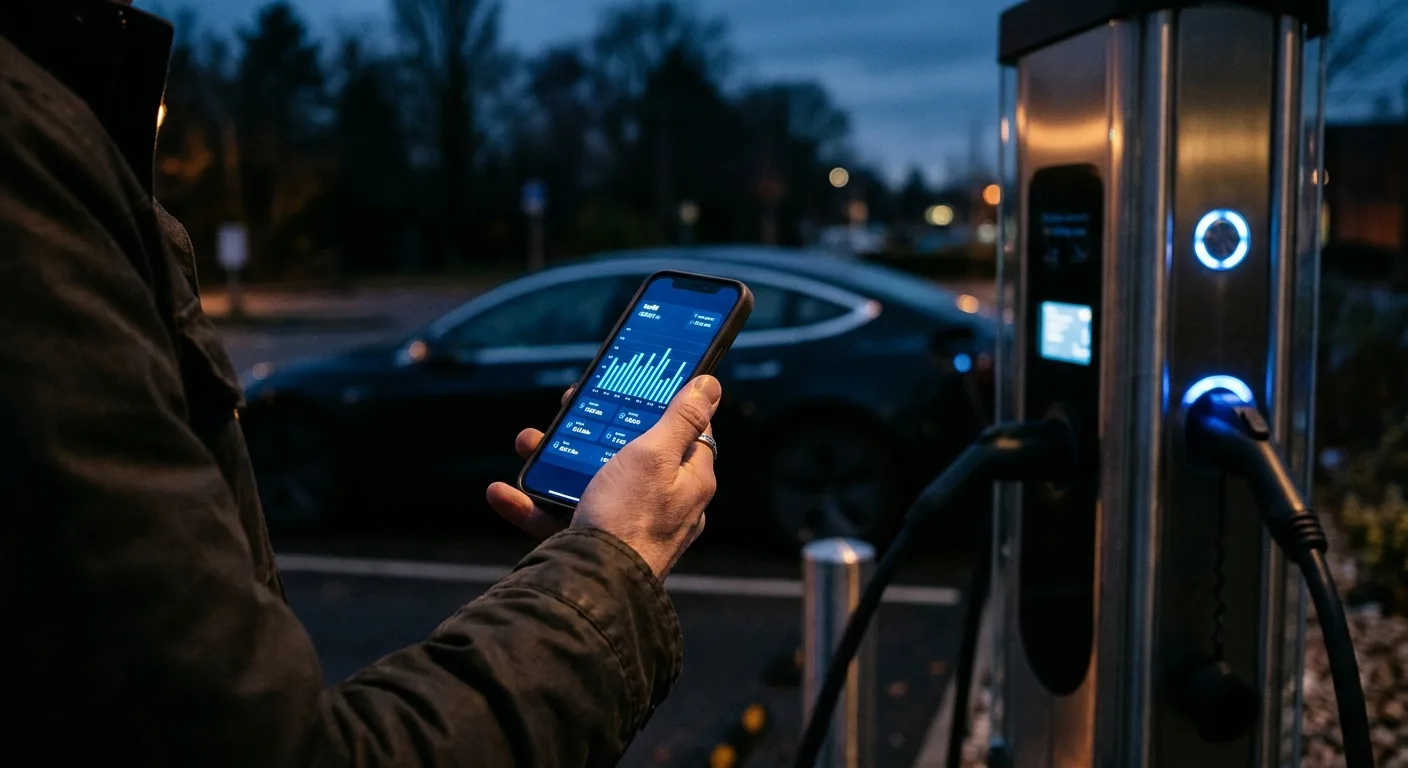
Once you've spotted a station, open that network's app and find the tariff for that specific location. Prices vary by site, not just by network.
Why it matters: a network can be cheap in one city and expensive in another. The app shows the local rate, any idle fee, and whether a membership lowers the price.
Practical tip: look for the "roaming" or "partner" price too. Charging through a third-party app can add a markup over the network's own rate.
Step 4: Compare the membership maths

Many networks offer a monthly plan that cuts the per-kWh rate. Work out the break-even point before you subscribe.
Why it matters: a plan that saves 5 cents per kWh only pays off if you charge enough each month to cover the fee. For occasional drivers it's often a loss.
Practical tip: multiply your monthly kWh by the saving, then subtract the membership fee. If the result is negative, skip the plan. Verify current fees in the app, since they change.
Step 5: Time your charging around peak tariffs
Some networks and many home or workplace setups charge more at busy times. Public rapid chargers can also have time-based pricing.
Why it matters: shifting a charge by a few hours can change the rate noticeably, especially on slower AC chargers where you're parked anyway.
Practical tip: check whether the app shows a time-of-use rate. If it does, aim for off-peak windows where your schedule allows. Don't assume it applies everywhere; confirm per site.
Step 6: Factor in the cost of getting there

A station 10 miles away that's 3 cents cheaper per kWh may cost you more in energy and time than the one around the corner.
Why it matters: the detour burns battery, and your time has value. The cheapest station is the cheapest total cost.
Practical tip: estimate the round-trip energy for the detour using your consumption figure, then compare the all-in cost, not just the headline rate.
Step 7: Check for free and subsidised charging
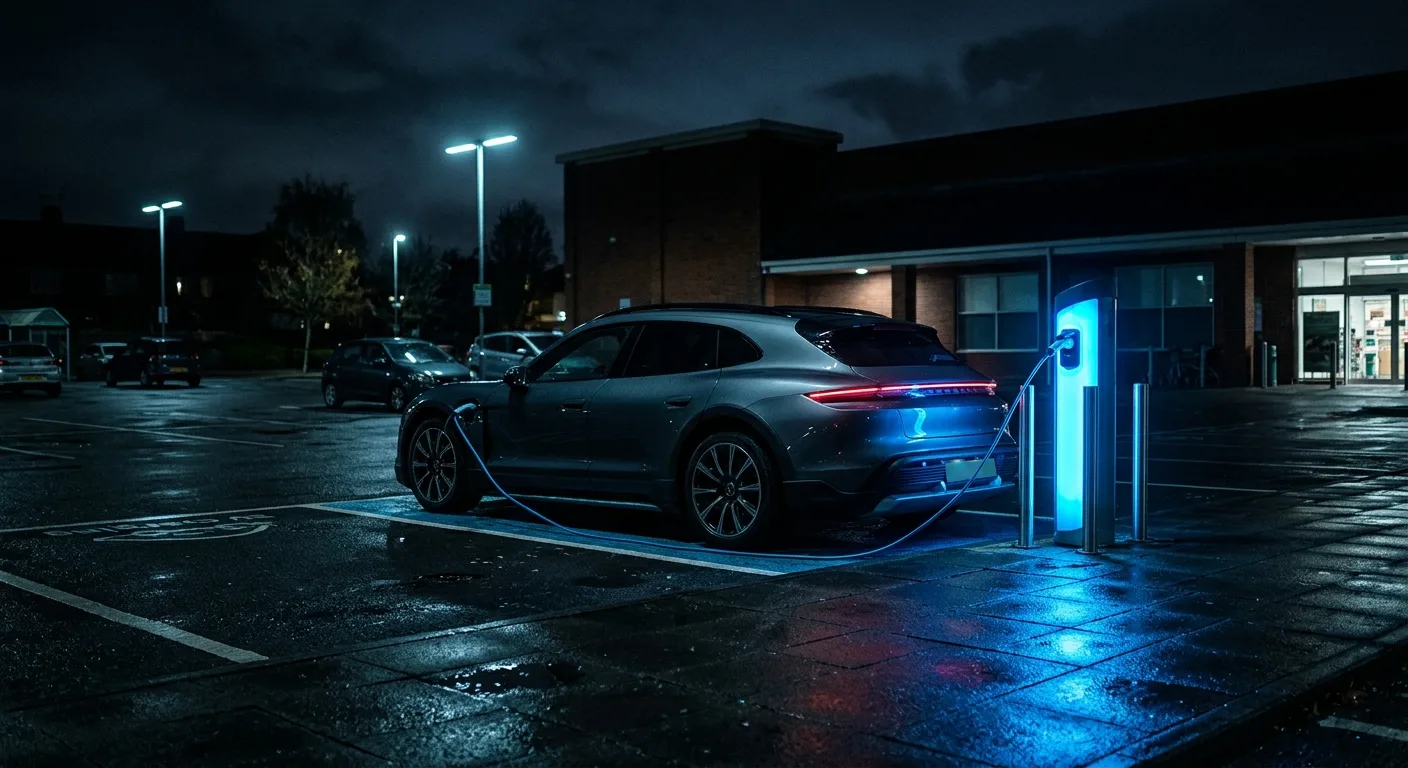
Some supermarkets, hotels, workplaces and councils offer free or discounted charging, often on slower AC points.
Why it matters: free is free, and a slow charger you're parked at anyway is ideal for a top-up while you shop.
Practical tip: filter for free stations in your app, but check the recent check-ins. Free points are popular and often occupied, and some have time limits or require a purchase.
Step 8: Build a shortlist and price three stops
Pick three realistic options for your next charge and write down the all-in cost: rate per kWh, session fee, idle fee, membership saving, detour cost.
Why it matters: seeing the numbers side by side makes the choice obvious and stops you defaulting to the nearest plug.
Practical tip: a simple table in your notes app works. Recheck prices before each trip, because tariffs move.
| Option | Rate per kWh | Session fee | Detour cost | Estimated total |
|---|---|---|---|---|
| A | check app | check app | small | your figure |
| B | check app | check app | medium | your figure |
| C | check app | check app | large | your figure |
Pro tips
- Sort by network, then price, then distance. Most drivers do it backwards.
- A slower AC charger you're parked at for an hour often beats a rapid charger on cost per kWh. Rapid charging usually carries a premium.
- Check the idle fee before you leave the car. A long lunch on a rapid charger can cost more than the charge itself.
- If you're buying a car, range and charging speed affect how often you'll pay for public charging. Use the head-to-head EV comparisons to see which models suit your routine before you commit.
- Keep a note of the two or three cheapest reliable stations on your regular routes. Reliability matters as much as price.
- If a station refuses to start or stops mid-session, don't assume it's your car. The EV troubleshooting guides walk through common faults before you call anyone.
Common pitfalls
- Chasing the cheapest rate and ignoring the detour. Add the round-trip energy and time before you commit. The near station often wins.
- Forgetting session and idle fees. These turn a cheap headline rate into an expensive stop, especially on short top-ups.
- Trusting an out-of-date map. Prices and availability change. Read recent check-ins and confirm in the network app.
- Signing up for a membership you won't use enough. Do the break-even maths first.
- Assuming all chargers on one network cost the same. They don't. Always check the specific site.
Useful resources
Start with the free EV calculators and tools to work out cost per mile and energy use. When you're comparing cars and their charging habits, the head-to-head EV comparisons and the EV model directory are worth a look. For faults at the plug, the EV diagnostic and fuse guides cover the basics, and the EV blog has more ownership tips.
FAQ
Is the cheapest station always the closest one? No. Network, session fees and time-of-day pricing often matter more than distance. Compare the all-in cost for your typical charge.
Do I need a membership to get cheap charging? Not always. Many networks have pay-as-you-go rates that are fine for occasional use. Memberships only pay off if you charge enough each month to cover the fee.
Why is the price different from what the app showed? Tariffs change and some sites have local rates. Confirm in the network's own app for that location before you rely on it.
Can I charge cheaply at home instead? Often yes, especially off-peak, but it depends on your tariff and setup. Check your home rate against nearby public stations for your typical top-up.
What if a station won't start? Try the network app, check the connector, and read the troubleshooting guide before assuming the car is at fault. If it involves the high-voltage system, stop and see a qualified technician.
A final word
Finding cheap charging is mostly about asking better questions: cost per kWh, all-in cost, and whether the station actually works. Spend 15 minutes building your shortlist today and you'll save on every trip after that.
Ready to act on what you just read? Explorethe EV model directory, head-to-head EV comparisons or the free EV calculators and tools. The rest of this site is built to help you take the next step.