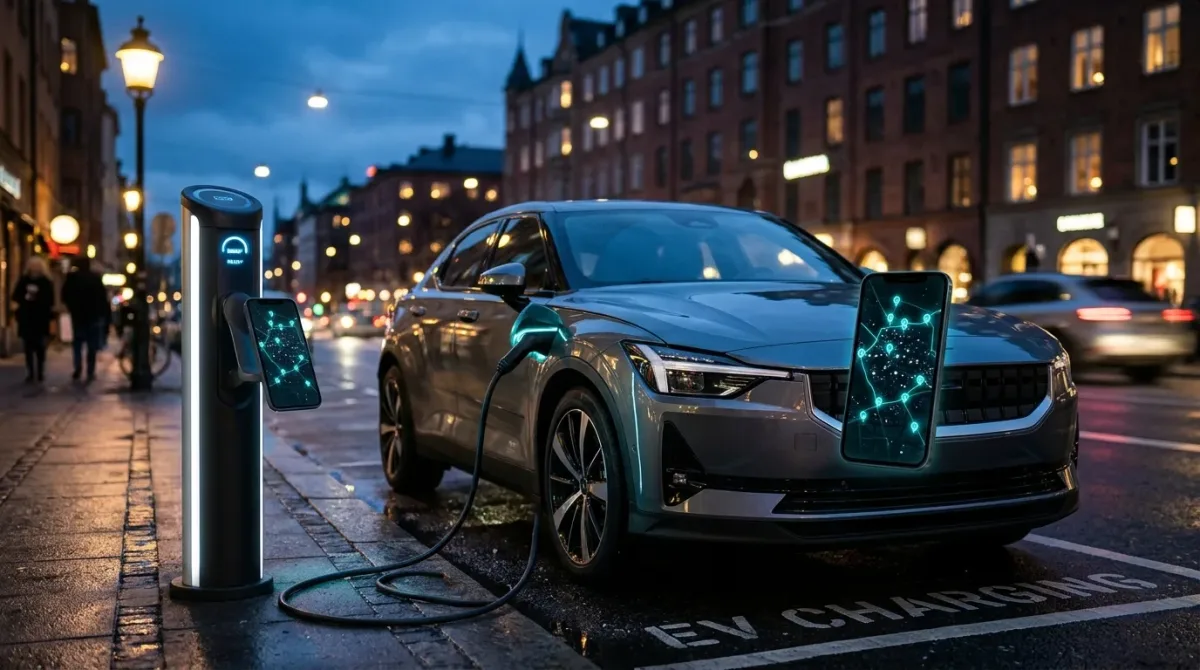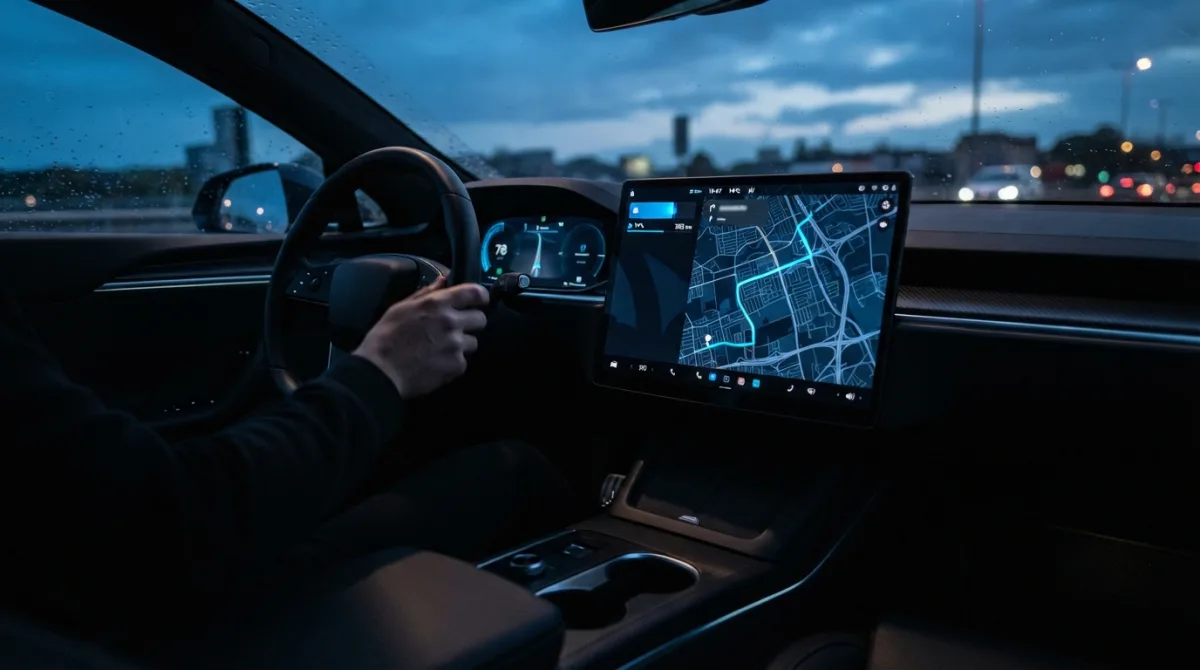
Most drivers treat the in-car nav as a last resort, something to jab at when they forget a street name. In an EV it deserves better, because the route it picks decides how often you stop, how long you sit at a charger and whether you arrive with a comfortable buffer or a knot in your stomach.
By the end of this guide you'll know how to set up the car's route planner properly, how to plan the same trip in an app before you leave, and how to sanity-check what the software tells you. Budget about 15 minutes of setup at home and a few minutes per long trip after that.
What you need before you start
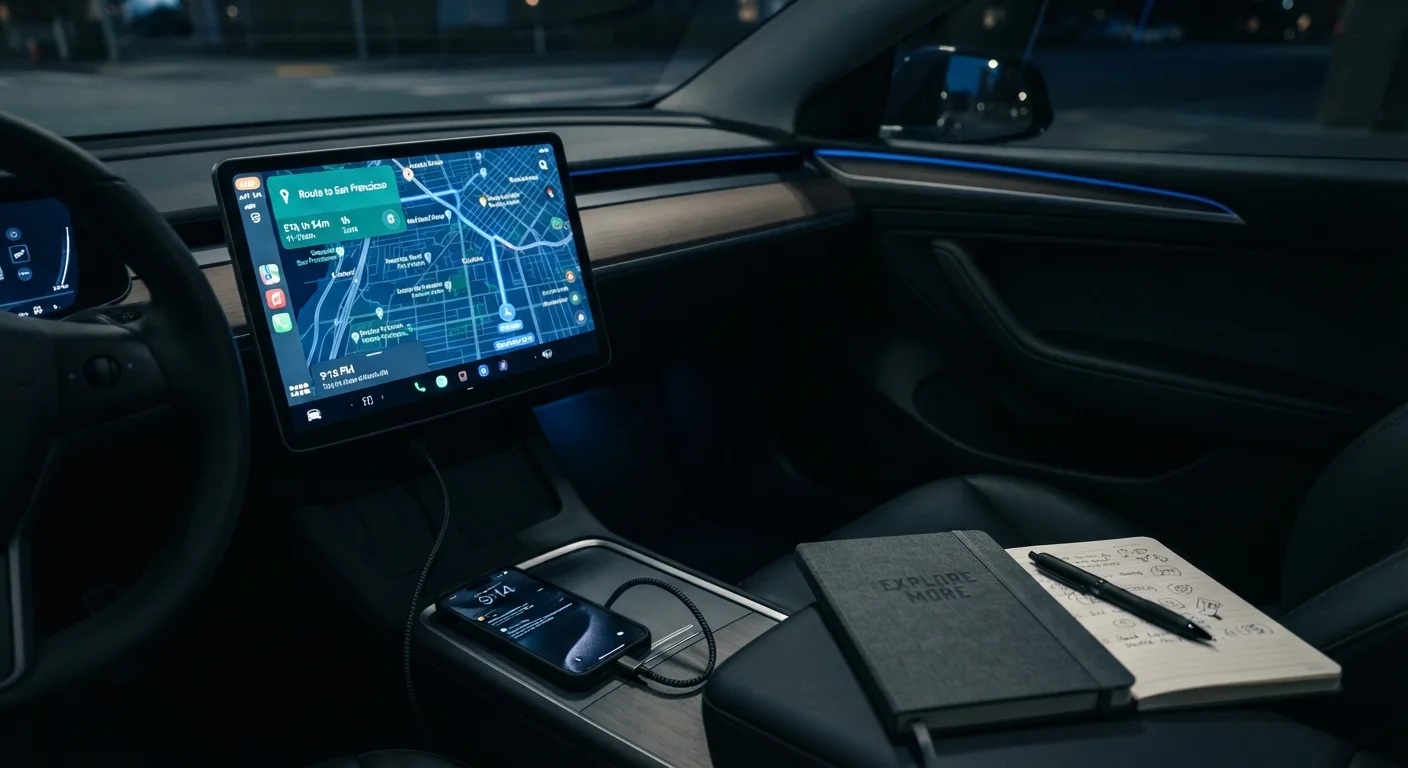
- Your car's infotainment manual, or at least five minutes poking through the navigation and charging menus. Button names vary between brands.
- The car's current state of charge, plus a rough idea of its real-world range (not the brochure figure).
- A phone with a route-planning app you trust, and the car maker's app if it has one.
- Your home charging setup details, so the car knows what you're starting from.
- Your units sorted: decide now whether you'll read distance in miles or km and consumption in mi/kWh or kWh/100 km. Mixing them mid-trip causes silly errors.
No account is needed for most in-car navigation. Some connected features (live traffic, remote route sending) do need one, so check what your car requires.
Step 1: Enter your destination in the car, not just on your phone
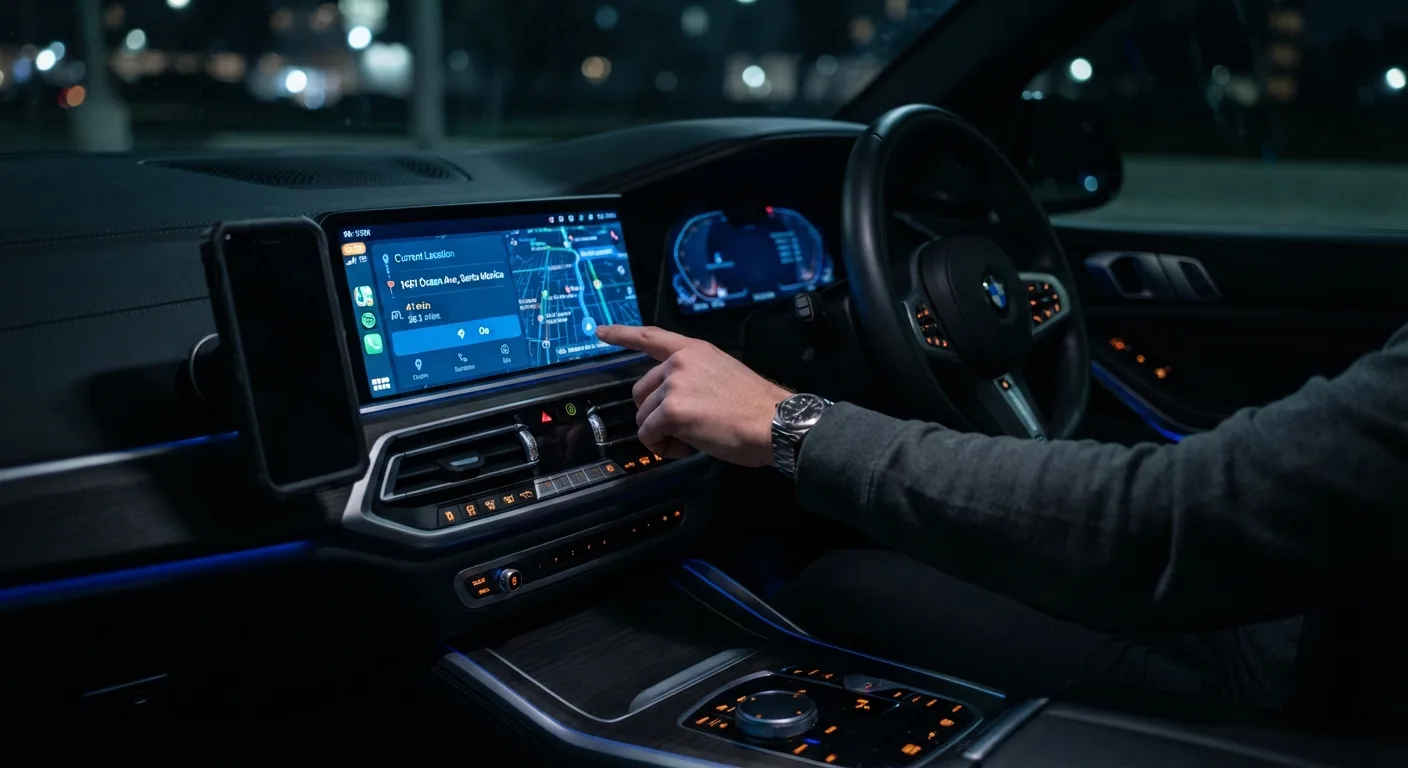
Start by typing the destination into the car's own nav, even if you've already planned on your phone. The built-in system knows your current charge, your consumption history and the charger network it has data for. A phone app doesn't.
Why it matters: the car's route planner is the only one that can adjust the plan based on what the battery is actually doing, not what a database says it should do.
Practical tip: if your car supports sending a destination from its companion app, use that. It saves tapping at a screen while parked and gets the route loaded before you set off.
Step 2: Tell the car what you're driving and how
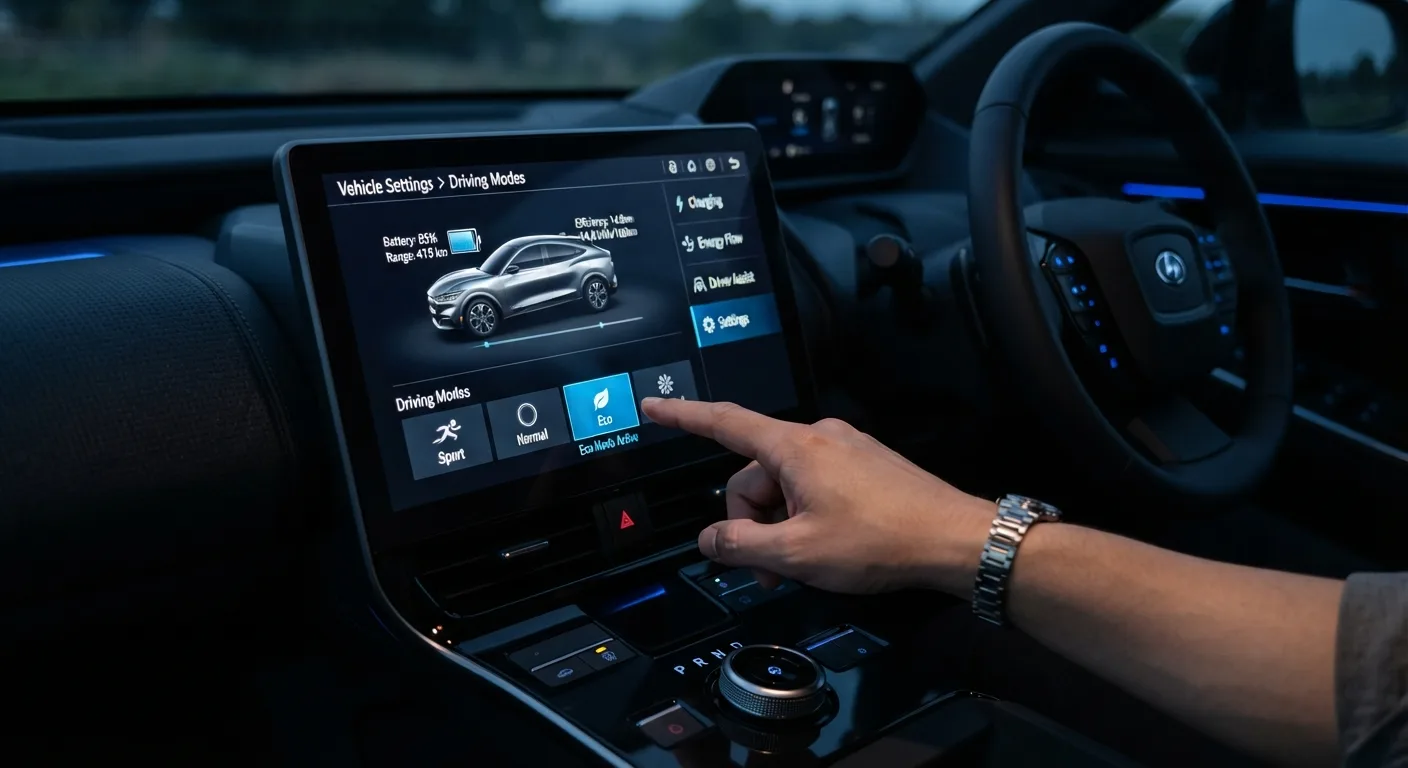
Look for a vehicle or trip profile setting. On many EVs you can pick a driving mode (Eco, Normal, Sport) and sometimes a load setting (number of passengers, luggage, towing). Set these honestly.
Why it matters: consumption estimates shift noticeably with speed, heating, air conditioning and weight. A planner that assumes a light car in mild weather will under-predict your consumption on a cold, loaded motorway run.
Practical tip: don't leave it in Eco just to flatter the estimate. If you actually drive in Normal, set Normal. An accurate estimate beats an optimistic one.
Step 3: Set your departure charge and target arrival charge
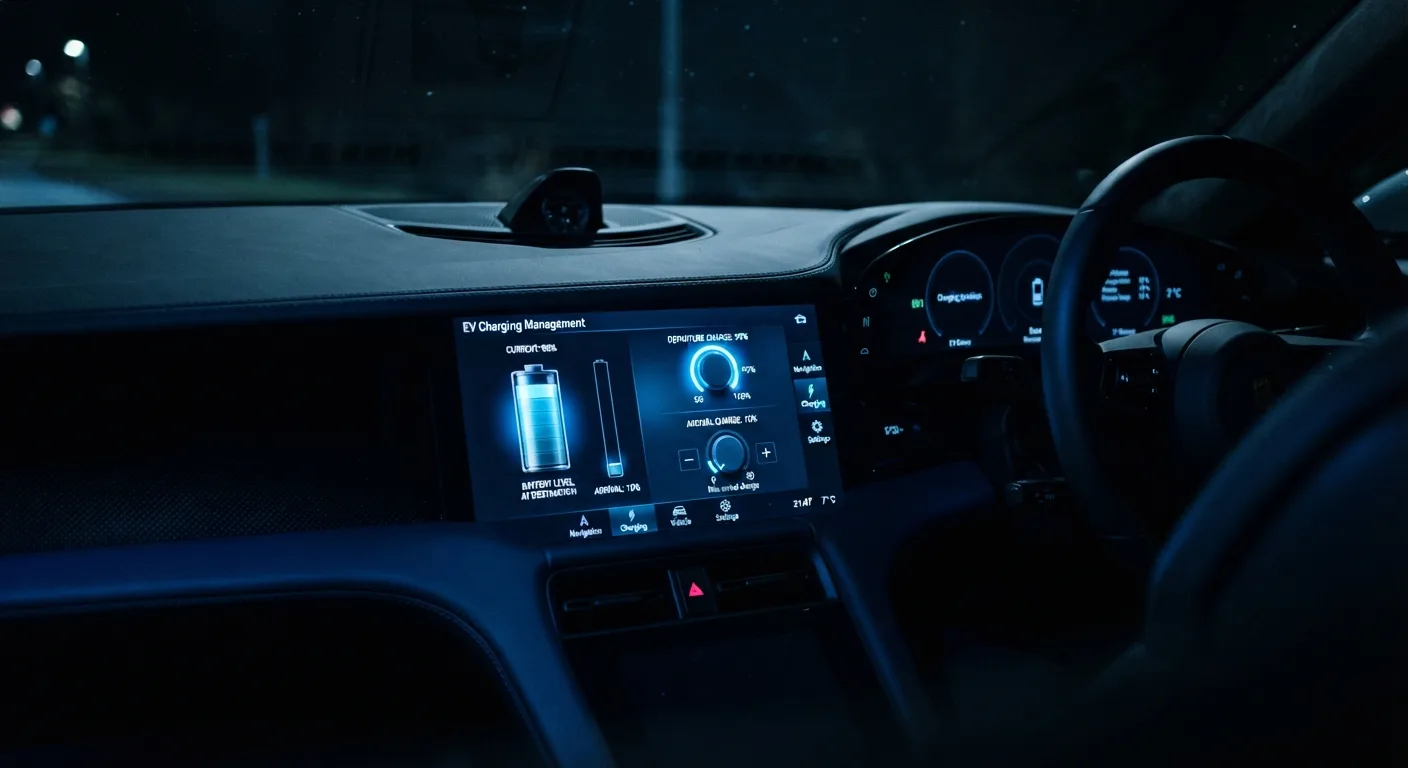
Find the charging settings in the navigation menu. You'll usually see two numbers: the state of charge you're leaving with, and the minimum charge you want on arrival. Set the arrival target somewhere around 10-20 percent for daily trips and higher (maybe 15-25 percent) for long motorway days where charger queues are possible.
Why it matters: the arrival buffer is your safety margin. Set it to 5 percent and a headwind or a closed charger turns into a problem.
Practical tip: many cars let you set a separate "arrival minimum" for the final destination versus intermediate chargers. Use a lower number for the final stop if you know you can charge there, and a higher one for chargers mid-route.
Step 4: Choose your charger preferences
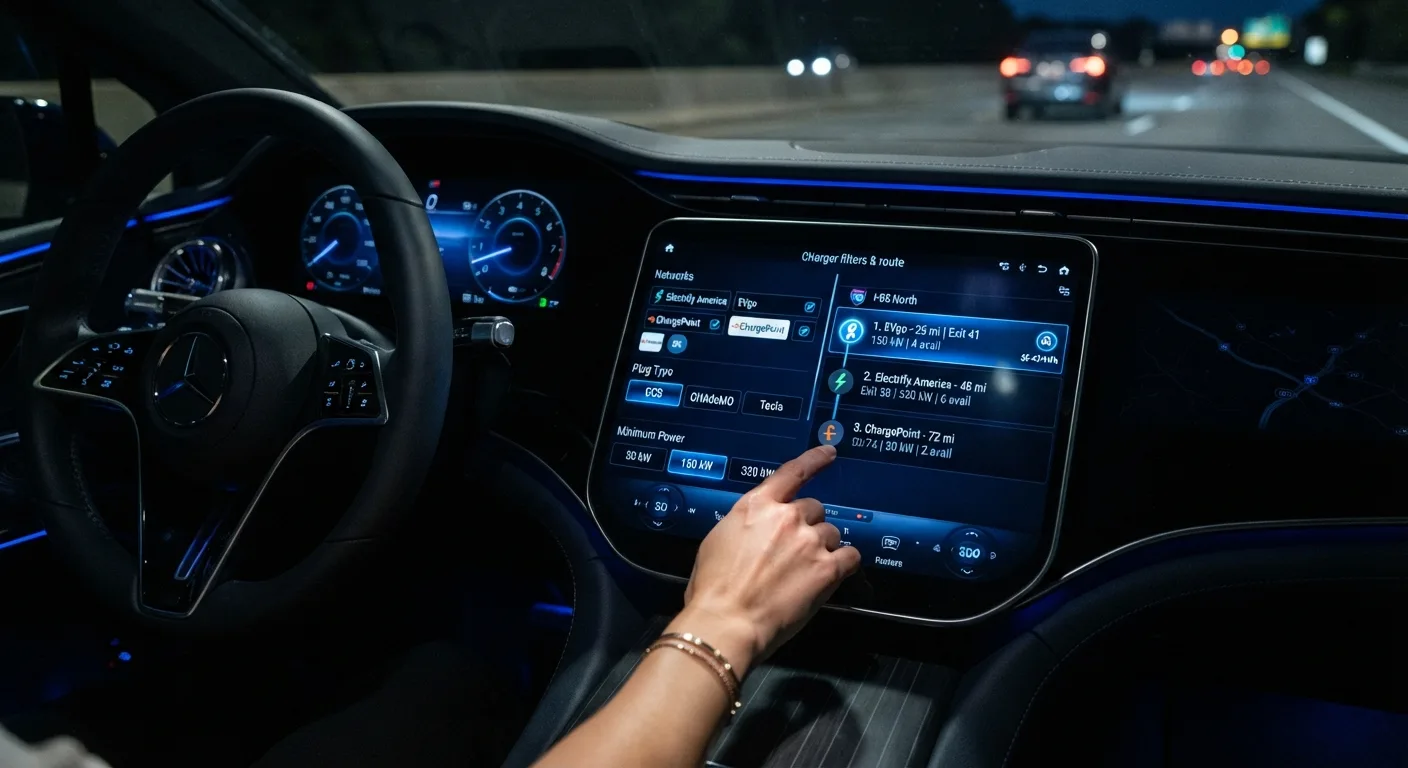
In the charging or route options menu, filter by connector type, charging speed and network. Set the minimum charging power you're willing to stop for (many drivers won't bother below roughly 50 kW on a long trip, though this depends on your car's peak acceptance rate).
Why it matters: an unfiltered planner will happily send you to a slow charger that adds an hour. Filtering keeps stops short.
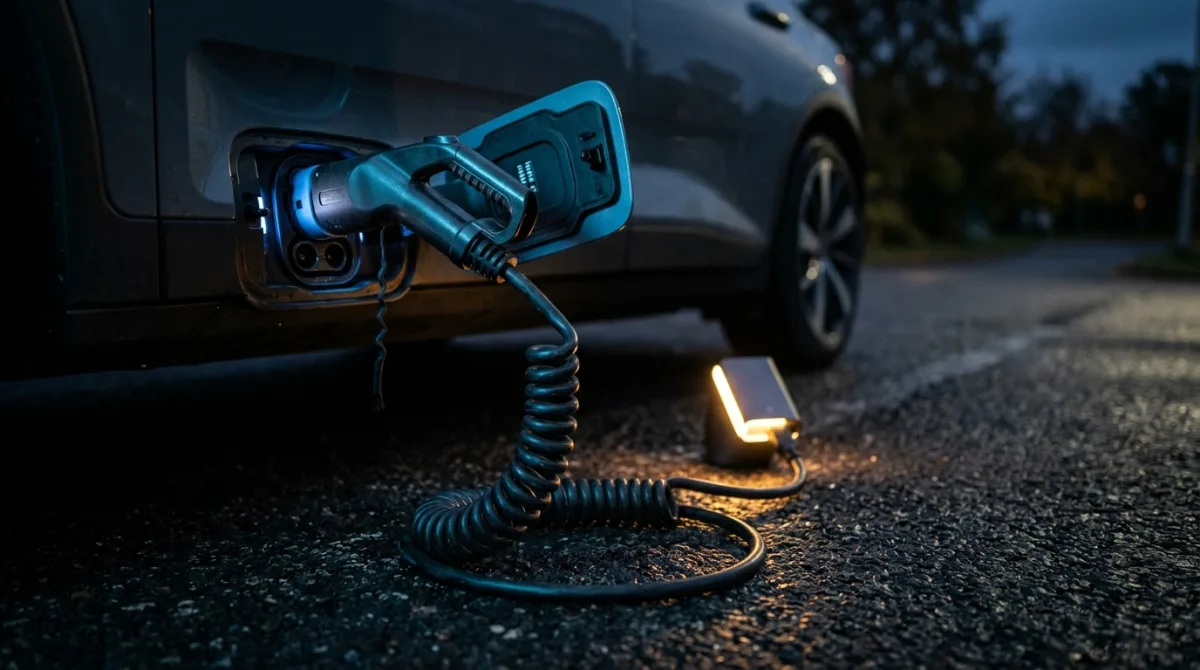
Practical tip: verify connector compatibility against your car's inlet before you trust the filter. A CCS or NACS mismatch will strand you, and the app may not warn you clearly.
Step 5: Review the plan, don't just accept it
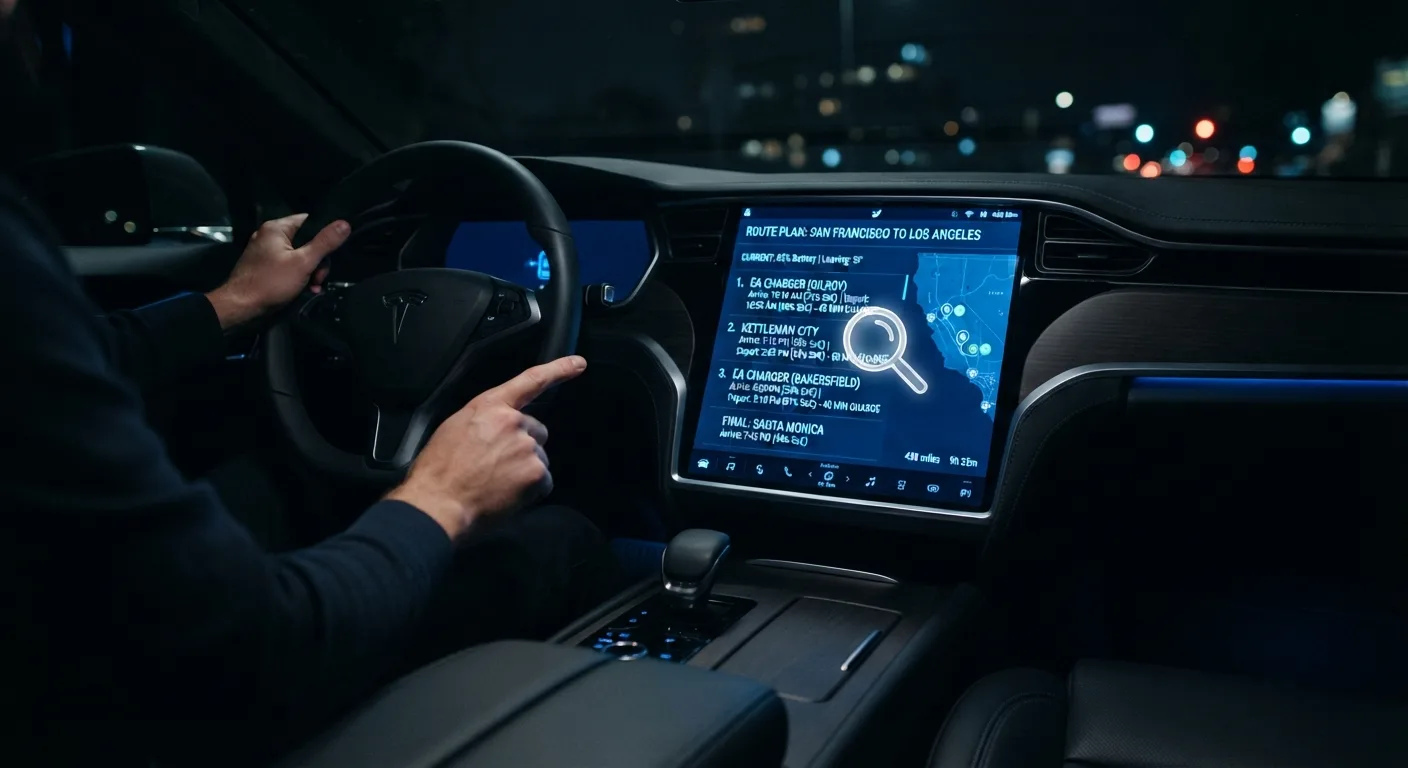
Before you press go, read the route summary: total distance, estimated consumption, number of charging stops, and the predicted state of charge at each one.
Why it matters: the first plan is a suggestion. It may route you through a charger with a long detour, or stack two stops close together when one would do.
Practical tip: if a stop looks unnecessary, try adjusting your arrival buffer or charger filter and let it re-plan. You'll quickly learn how your car's planner thinks.
Step 6: Check the chargers yourself
Cross-check the planned charging stops in a charger-finder app or the network's own app. Look at recent check-ins and any outage notes.
Why it matters: in-car charger databases can lag behind reality. A charger that's been offline for a week may still show as available.
Practical tip: note one alternative charger near each planned stop. If the first is busy or broken, you're not improvising at 5 percent charge.
Step 7: Run the same trip in a planning app
Once the car has its plan, replicate it in a phone app or web planner. Compare stop count, total time and the chargers chosen.
Why it matters: different planners weight traffic, charger reliability and elevation differently. Seeing two plans side by side catches obvious errors.
Practical tip: if you're still deciding which car to do this in, our head-to-head EV comparisons lay out real differences in range, charging speed and route-planner quality, and the EV model directory lets you look up specific cars.
Step 8: Set off and let the car adapt
During the drive, keep the car's navigation active rather than switching to a phone map. It will recalculate stops as your consumption changes.
Why it matters: real consumption drifts from the estimate. A planner that's live in the car can add a stop early, before you're committed.
Practical tip: glance at the predicted arrival charge every so often. If it's sliding downward faster than the distance remaining, slow down a little and let the plan settle.
Step 9: Log what actually happened
At the end of the trip, note your real consumption and where the estimate drifted. Some cars store this automatically.
Why it matters: your own records are more useful than any database. Next time you'll know whether to set a bigger buffer.
Practical tip: if your car's consumption estimate is consistently off, or the nav throws charging errors, our EV troubleshooting guides and diagnostic and fuse guides cover the common causes before you book a dealer visit.
Pro tips
- Plan your charging stops around meal times and leg-stretch breaks. A 20-minute top-up while you eat costs you nothing in real time.
- Charge to a lower state of charge when you can. On many cars the charging curve slows sharply above roughly 80 percent, so two shorter stops often beat one long one.
- Precondition the battery before fast charging if your car offers it. A warm battery accepts power faster in cold weather.
- Keep a written note of your car's realistic motorway range in winter. It's usually noticeably lower than the summer figure, and you'll plan better with the honest number.
- Use the free EV calculators and tools to work out consumption, cost per trip and charging time before you commit to a route.
- If you drive several models, read the EV blog for route-planning habits that carry across brands.
Common pitfalls
Trusting the brochure range. It's measured under test conditions you'll never repeat. Plan with your own observed figure instead.
Setting the arrival buffer too low. A 5 percent target leaves no room for a detour, a queue or a cold snap. Bump it up on unfamiliar routes.
Skipping the charger cross-check. In-car databases go stale. Always confirm a stop is live before you rely on it.
Ignoring elevation and weather. A mountain pass or a strong headwind can eat a chunk of range. If your planner doesn't account for it, add a manual buffer.
Fiddling with the screen while driving. Set the route before you move, or pull over. No route plan is worth a distraction.
Useful resources
- Our head-to-head comparisons for choosing a car with a route planner that suits your trips.
- The EV model directory to check range and charging specs for a specific model.
- The free EV calculators for trip cost and charging-time estimates.
- Your car maker's official manual and app, which list the exact menu names and connected-service requirements for your model.
- Public charger-finder apps and network apps for live availability and outage reports.
FAQ
Does the in-car navigation plan charging stops automatically? Most modern EVs do, provided you enter a destination beyond your current range and the car has charger data for the region. Older or base-trim models may need a phone app instead. Check your manual.
Should I trust the car or a phone app more? Neither blindly. The car knows your battery; the app often has fresher charger data. Use both and note an alternative stop.
What arrival charge should I aim for? A common approach is 15-25 percent on long trips and 10-20 percent for shorter ones. Adjust for weather, terrain and charger density.
Why does my range estimate drop so fast on the motorway? Higher speed raises consumption, and heating or air conditioning adds load. The estimate recalculates as conditions change, which is normal.
Can I plan a route without a connected account? Often yes for basic navigation, but live traffic and remote route sending usually need an account. Confirm with your car maker.
Final word
Good EV route planning isn't about trusting the software or ignoring it. It's about feeding it honest inputs, reading the plan critically and keeping one alternative charger in your back pocket. Do that a few times and long trips stop feeling like a gamble.